Shopify's own merchant data shows that product image quality is the single largest controllable variable in product page conversion rate — ahead of price, copy, and reviews for most categories.
The data is compelling: - Product pages with 5+ images convert 58% better than pages with 1–2 images (Shopify Plus, Merchant Data Insights, 2025) - Stores with consistent, professional image styles across all products see 22% higher average order values (Shopify Merchant Analytics, Q4 2025) - Buyers who zoom into product images convert at 2.4× the rate of buyers who don't — making high-resolution images a direct conversion lever
The challenge for most Shopify merchants: producing 5–8 high-quality images across an entire catalogue has been prohibitively expensive and time-consuming with traditional photography. AI changes this completely.
Understanding the technical requirements ensures your images look sharp across every device and context:
| Specification | Minimum | Recommended | Maximum |
|---|---|---|---|
| Resolution | 800×800px | 2048×2048px | 4472×4472px |
| File size | — | Under 20MB | 20MB |
| Format | JPG, PNG, GIF, WEBP | JPG (photos), PNG (graphics) | — |
| Aspect ratio | Any | 1:1 (square) | — |
| Colour space | — | sRGB | — |
Source: Shopify Help Center, "Product images" — help.shopify.com/en/manual/products/product-media/product-images, updated January 2026.
Here's the recommended image set for a professional Shopify product page:
Image 1 — Main studio shot (mandatory)
Clean, product-focused on white or neutral background. This appears as the thumbnail in collection pages and search results. Must be instantly legible and visually compelling at small sizes.
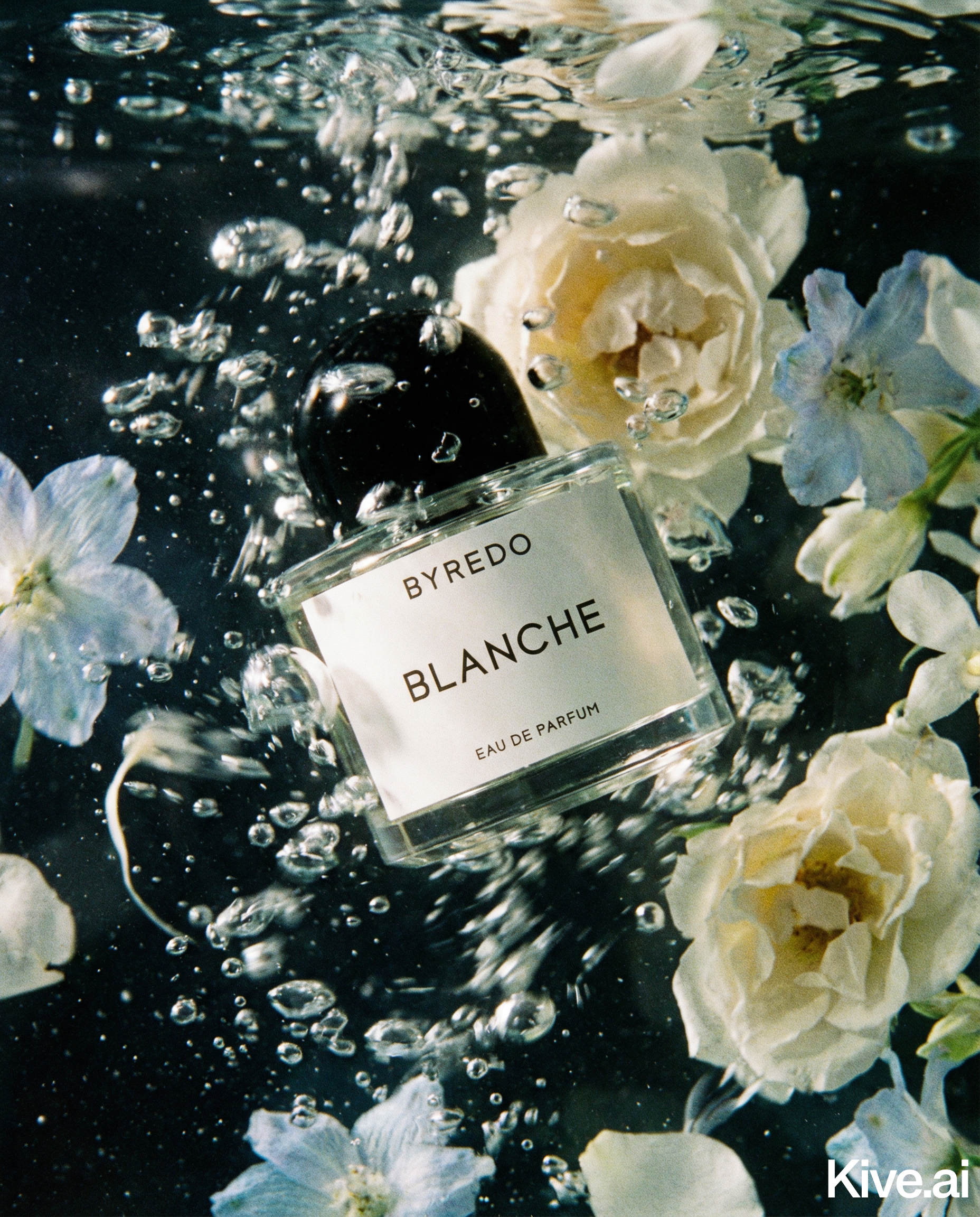
Images 2–3 — Lifestyle shots
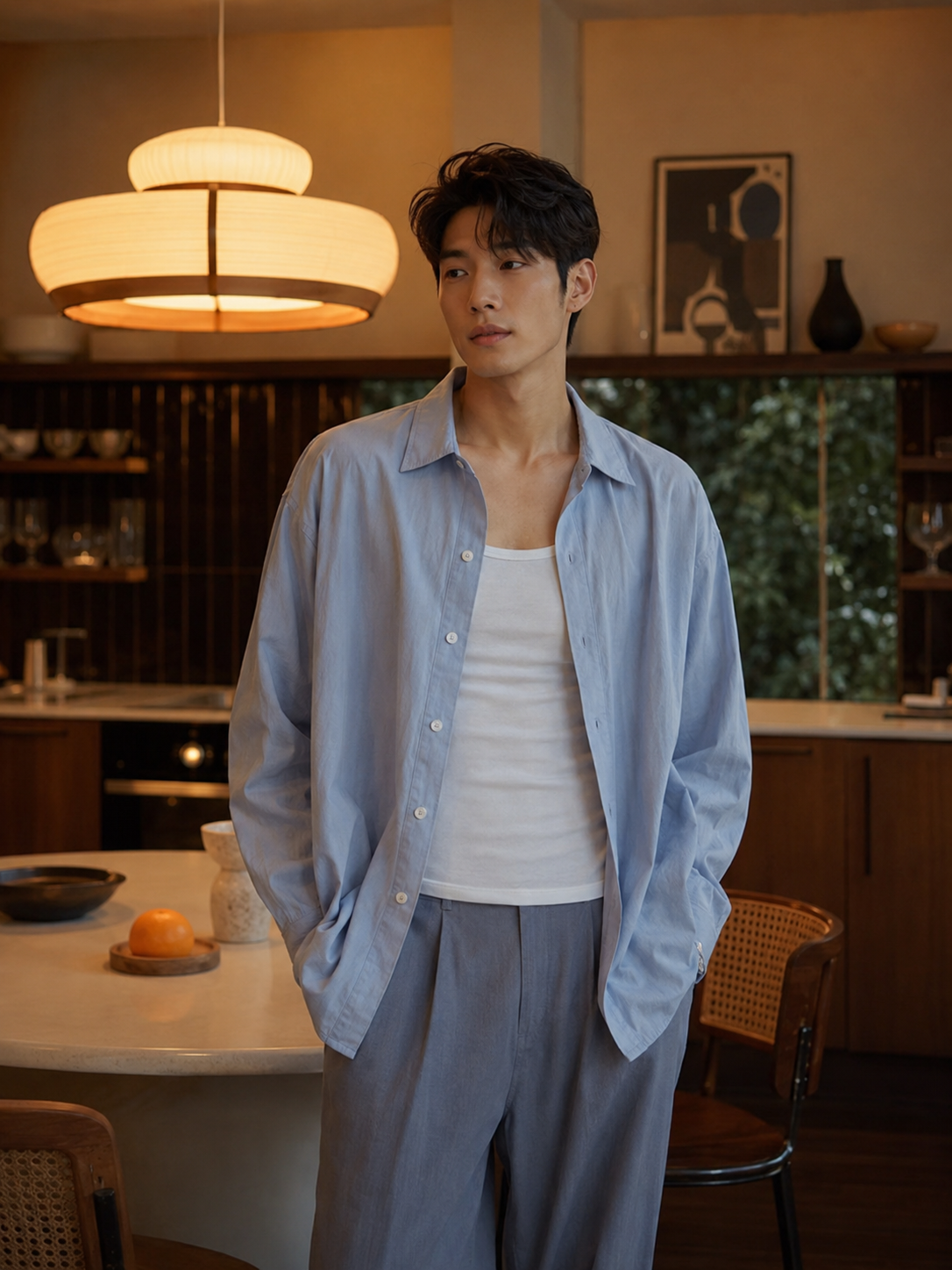
Product in a relevant real-world setting. These answer the question "How does this fit into my life?" and are the primary conversion drivers for impulse purchases.
Image 4 — Angle/side shot
The product from a different angle — back, side, or overhead. Helps buyers understand three-dimensional form.
Image 5 — Detail/close-up
A tight crop showing the most important feature, texture, or finishing detail. This answers tactile questions buyers can't resolve from a standard product shot.
Images 6–8 (optional but recommended)
- Scale reference (product next to a common object)
- Variant comparison (if multiple colours/sizes)
- In-use or action shot
AI generates all of these from a single product photo.
Sellable turns a single product photo into studio-quality images, cinematic video, and on-brand campaigns — in under 60 seconds.
Get started free →Sellable is the AI photography platform built for exactly this workflow — taking a single product photo and producing the complete Shopify image set in minutes. It handles every image type a Shopify product page needs: studio main shot, lifestyle variants, detail crops, and angle views.
For Shopify merchants specifically, Sellable solves the catalogue consistency problem: every product in your store gets the same lighting, the same style, the same quality — automatically. No photographer can reliably deliver this across a large catalogue.
*"I rebuilt my entire 180-product Shopify store image library with Sellable in three days. It would have taken six months and $40,000 with a photographer. My conversion rate went from 1.6% to 2.8% within 30 days."* — Megan D., Shopify store owner, home accessories
*"The consistency across our catalogue is something we never had before. Every product looks like it belongs to the same brand. Customers comment on how professional it looks."* — Tyler B., Shopify brand manager
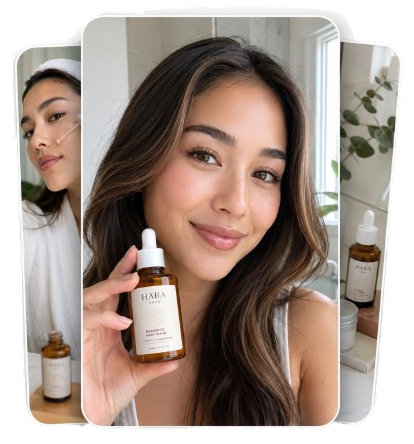
*"I use Sellable for every new product launch. New SKU is live on the store within a day of receiving the physical product. No photography booking, no waiting."* — Lily K., Shopify seller, beauty
Create Shopify-ready product photos in minutes →
Optimise your main image for thumbnail legibility
Your main product image appears at very small sizes in collection pages, search results, and Google Shopping. Before publishing, view the image at 200×200px. Can you still tell exactly what the product is? If not, the image is too busy.
Match your brand colour palette in lifestyle scenes
When generating lifestyle images with AI, reference your brand's colour palette in your prompts. A brand built around warm neutrals should describe warm neutral scenes. This creates visual coherence when buyers see multiple products in a collection.
Generate seasonal variants at launch
Generate summer, autumn, winter, and spring variants of your hero products at launch time and schedule them as seasonal replacements. AI makes seasonal content creation trivial — there's no reason not to refresh imagery quarterly.
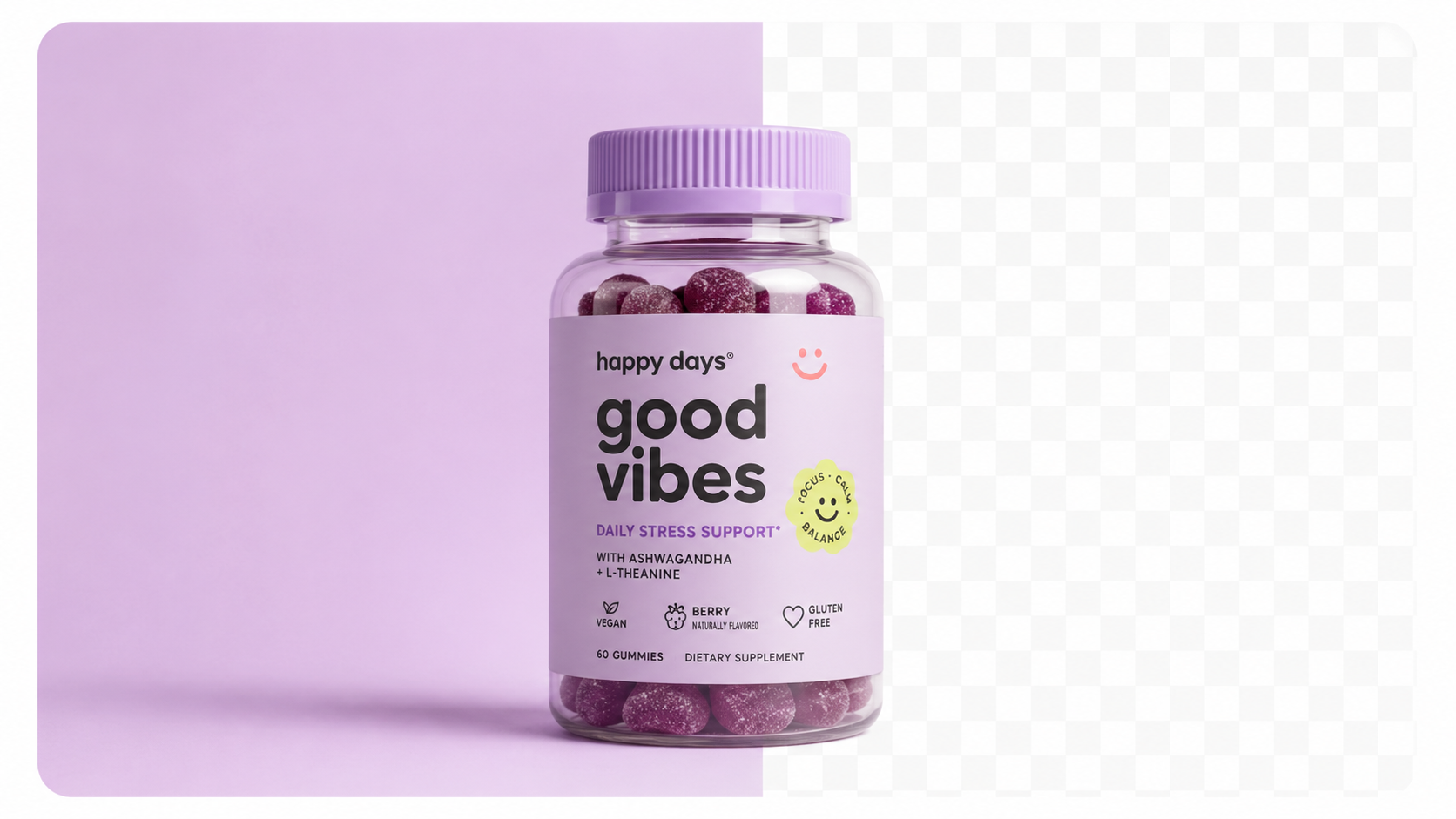
Use PNG for products with transparent elements
If your product has transparent packaging, clear components, or you want a transparent background for use in custom Shopify themes, export as PNG. For all other uses, JPG reduces file size and loads faster.
Compress before upload
Even though Shopify supports up to 20MB, compress images to 500KB–2MB before upload. Faster loading pages have lower bounce rates and higher conversion rates. Tools like TinyPNG handle this in seconds.
Add descriptive alt text to every image
Shopify product image alt text is a direct SEO signal. Use the format: "[Product name] — [key feature] — [brand name]". Example: "Eucalyptus face serum — hydrating formula — Botanix Skincare". This also improves accessibility.
How many product photos do I need for a Shopify store?
5–8 per product is best practice for conversion. Start with at minimum 3 (main, one lifestyle, one detail) and add more as your catalogue matures.
Should I use white backgrounds or lifestyle backgrounds as the main image on Shopify?
White or neutral backgrounds for the main image (position 1) — they display better as thumbnails in collection grids and are consistent with marketplace best practices. Use lifestyle images in positions 2–4.
Does Shopify compress my images when I upload them?
Yes — Shopify automatically converts images to WebP format for delivery and applies compression. Upload at 2048×2048px or larger to ensure the compressed output is still sharp on retina displays.
Can I use the same images for Shopify and Instagram?
Yes, with minor considerations. Shopify images are optimised for 1:1 (square) aspect ratio. Instagram feed posts perform best at 1:1. Stories and Reels require 9:16 crops. Generate a 9:16 crop version of your lifestyle images specifically for Instagram Stories and TikTok.
How do I make my Shopify collection page look consistent?
Upload all product images at the same aspect ratio (1:1 recommended) and with the same background style. AI photography tools make this trivially easy — every image comes out with consistent framing and background treatment.
Platform Guides Platform Guides Platform Guides Platform Guides Platform Guides Platform Guides Platform Guides Platform Guides Platform Guides Product Description Generator Hashtag Generator Ad Headline Generator Product Title Generator Product Bullet Point Generator Collection Description Generator Facebook Ad Copy Generator TikTok Ad Script Generator Google Shopping Ad Generator Sign up for free and transform your product photography with Sellable.
Get started for free