Shopify has published conversion research across its merchant base consistently showing the relationship between image count and conversion rate:
The sweet spot is 5–8 images per product. Beyond 8, the incremental conversion lift doesn't justify the additional image production cost — unless your product is complex enough to genuinely need more visual explanation.
(Source: Shopify Plus, Merchant Data Insights, 2025; Baymard Institute, Product Page UX Research, 2025)
The conversion difference isn't mysterious: more images answer more questions. Each additional image addresses a different buyer objection — what does it look like from the side? how big is it? what does the texture look like up close? — and removes a reason not to buy.
Here's the recommended 6-image set that covers every buyer question without being excessive:
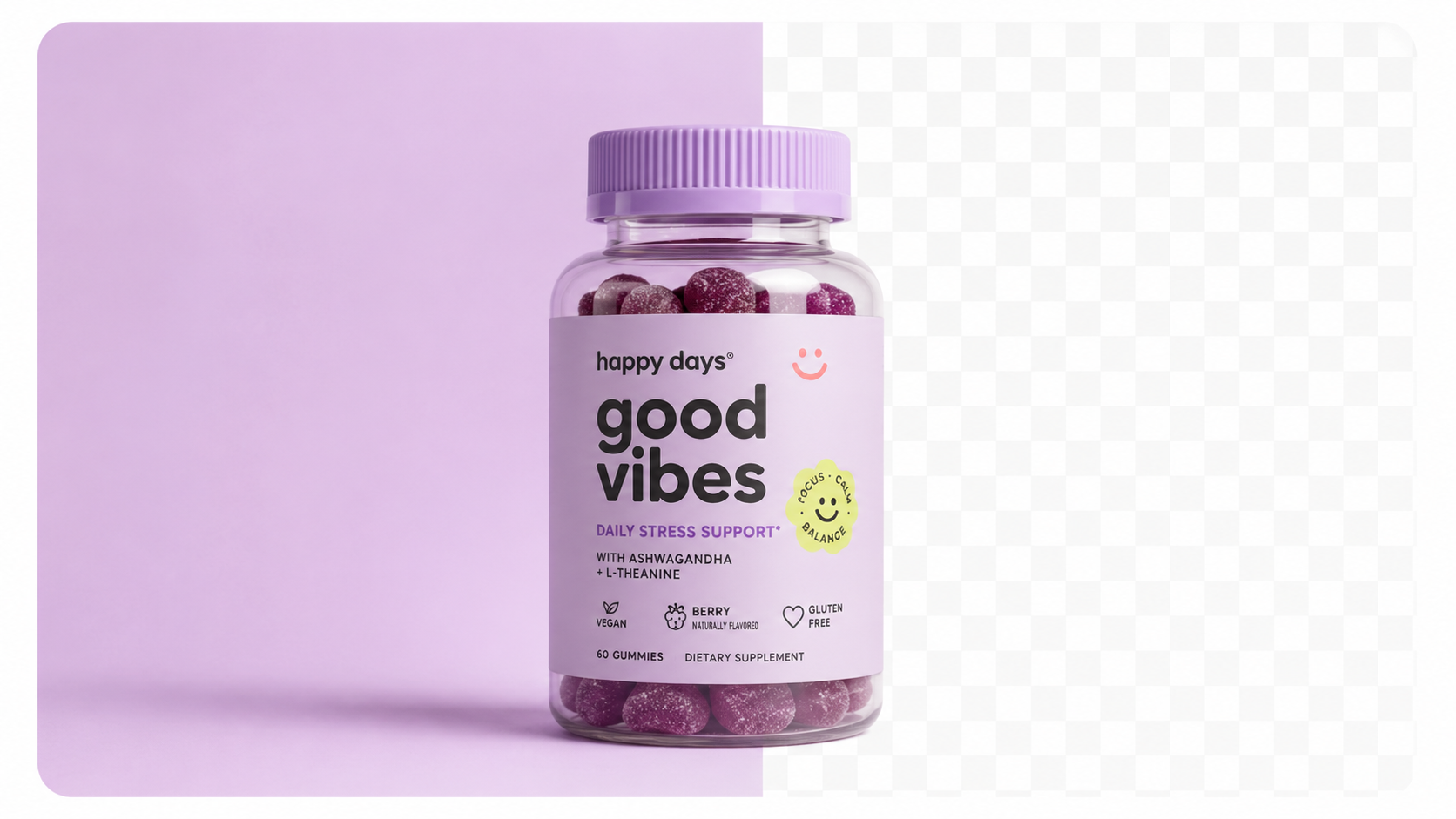
Image 1 — Main studio shot
Clean white or neutral background. Product centred, fills 80–90% of the frame. This is the thumbnail that appears in collection pages and Google Shopping. Must be legible at 200×200px.
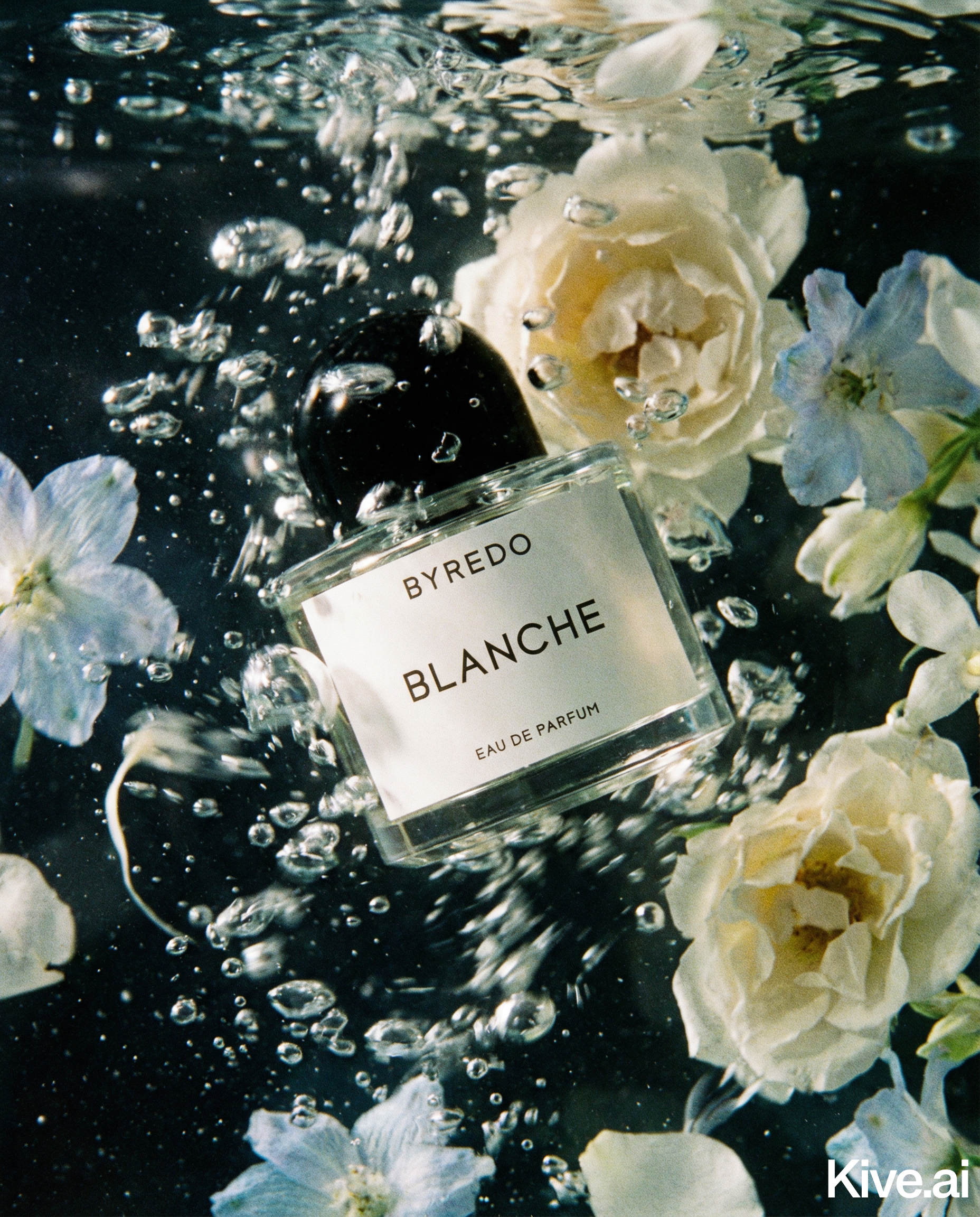
Image 2 — Primary lifestyle
Product in its most aspirational real-world context. The "I want this in my life" image. This is typically the highest-impact image for impulse purchases.
Image 3 — Angle or side view
Shows the product's three-dimensional form. For most products, this is the side or back view that the main image doesn't show.
Image 4 — Detail close-up
Tight crop on the most important feature, texture, or quality indicator. Answers the "what exactly am I getting?" question that many buyers have before purchasing.
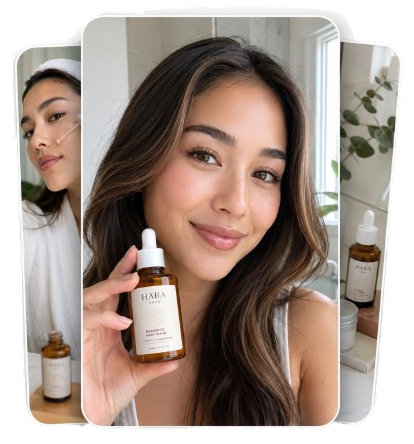
Image 5 — Secondary lifestyle or in-use
A second context or a more active use of the product. For multi-use products, shows the secondary use case.
Image 6 — Scale reference or packaging
Shows the product next to a common object (hand, phone, coffee mug) for size reference, or shows the packaging if it's part of the value proposition.
Sellable turns a single product photo into studio-quality images, cinematic video, and on-brand campaigns — in under 60 seconds.
Get started free →Different categories have different optimal image strategies within the 5–8 range:
| Category | Recommended Count | Priority Images |
|---|---|---|
| Beauty / skincare | 6–8 | Lifestyle × 3, detail × 2, studio × 1 |
| Supplements | 5–7 | Studio, lifestyle, scale, detail, infographic |
| Apparel accessories | 6–8 | Multiple angles, lifestyle, detail |
| Home decor | 5–7 | Lifestyle × 2, studio, detail, scale |
| Electronics accessories | 6–8 | Studio, in-use, detail, scale, compatibility |
| Food / beverage | 5–7 | Hero lifestyle, in-use, close-up, packaging |
| Jewellery | 7–9 | Multiple angles, lifestyle, extreme detail |
Jewellery benefits from more images because buyers need to see fine details (clasp, engraving, texture) that require extreme close-ups. Supplements benefit from a lifestyle image that answers the "when/how do I use this?" question.
Sellable makes hitting the 5–8 image target trivially achievable for every product in your catalogue — not just hero SKUs. Before AI, generating 6+ images per product was expensive enough that many sellers cut corners, publishing 1–2 images on most products and investing heavily only in top sellers.
With Sellable, the economics are the same for every product: upload once, generate the full set in minutes, publish.
*"Before Sellable, I only had 2 images on most of my products because I couldn't afford more photoshoots. Now every product has 6–8 images and my average conversion is up 40%."* — Rachel G., Shopify store owner
*"I used to decide which products deserved a photoshoot. Now every product gets a full image set automatically. My store consistency improved dramatically."* — Josh K., Shopify brand manager
*"The jump from 2 images to 7 images per product was worth an extra 1.5% conversion rate across my catalogue. For the traffic I drive, that's thousands per month in additional revenue."* — Emma W., DTC brand founder
Create Shopify-ready product photos in minutes →
Is there a maximum number of images per Shopify product?
Shopify supports up to 250 images per product. In practice, 5–8 is optimal for conversion; more than 10 adds diminishing value and can slow page load.
Does image order matter on Shopify?
Yes significantly. The first image (shown as the collection thumbnail) should be your clearest, most legible main shot. Images 2–3 should be your best lifestyle shots — most buyers view only the first 3 images before making a decision.
Should I show product variants as separate images?
Yes — if you sell colour variants, show each colour in a separate image or as image swatches. Buyers want to see the exact product they're ordering, not assume from a single image.
Do animated GIFs or video count toward my image count?
Shopify supports video and 3D models in addition to static images. A short product video in position 1 or 2 can further improve conversion, particularly for products where motion communicates value (e.g., a watch with a moving second hand, a blender in operation).
What if I have hundreds of products — do I need 6 images for all of them?
Yes — and AI makes this achievable. A catalogue of 500 products that previously got 1–2 images due to photography cost constraints can be brought up to a 6-image standard with AI batch processing in a single week of work.
Platform Guides Platform Guides Platform Guides Platform Guides Platform Guides Platform Guides Platform Guides Platform Guides Platform Guides Product Description Generator Hashtag Generator Ad Headline Generator Product Title Generator Product Bullet Point Generator Collection Description Generator Facebook Ad Copy Generator TikTok Ad Script Generator Google Shopping Ad Generator Sign up for free and transform your product photography with Sellable.
Get started for free