Before opening any tool, be clear on what your Shopify product photos need to accomplish:
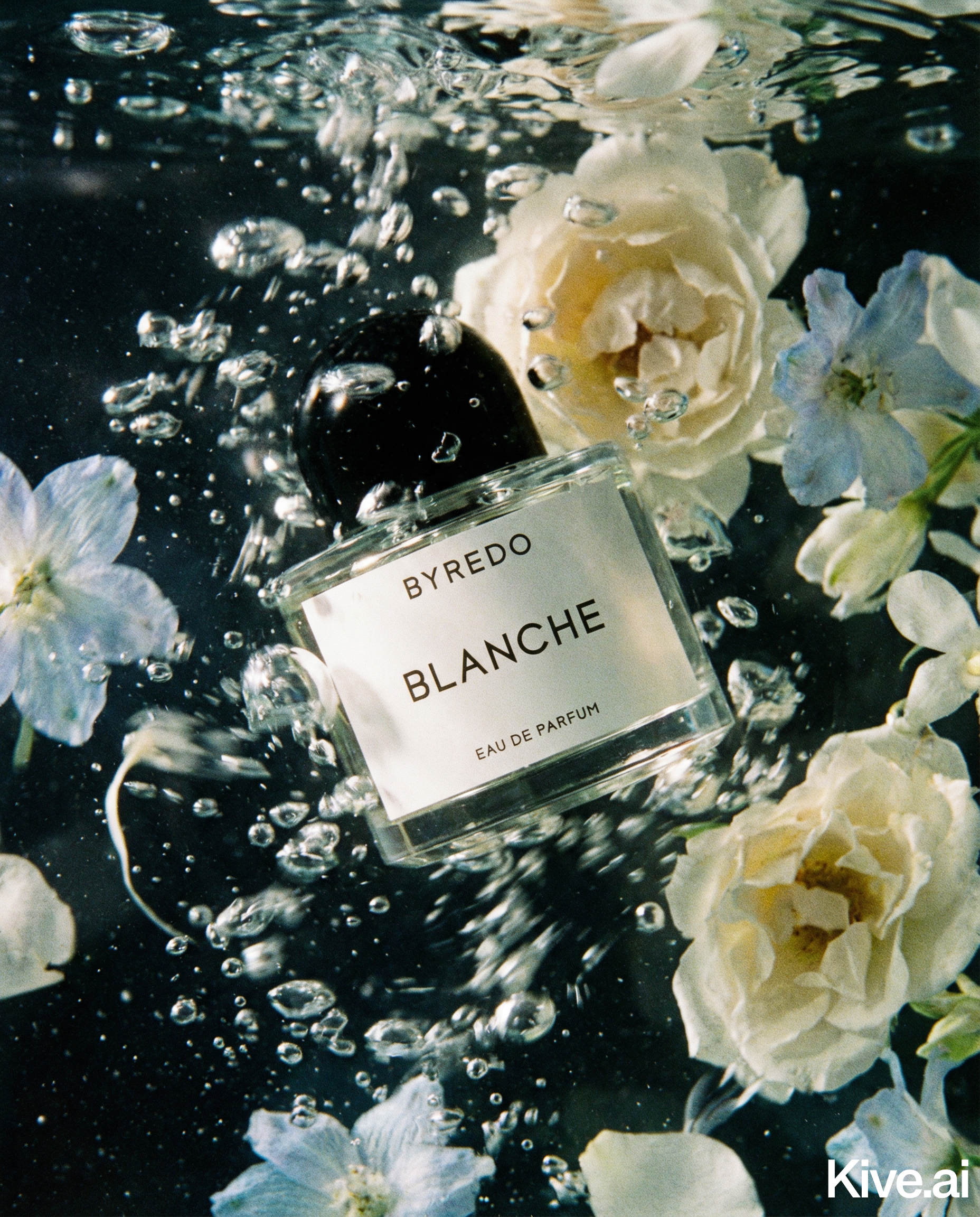
A typical Shopify product page performs best with 5–8 images: - 1 main clean studio shot (white or neutral background) - 2–3 lifestyle images - 1–2 detail/angle shots - 1 scale reference (optional)
The goal of the 10-minute workflow below is to generate all of these from a single product photo using AI.
You don't need a studio setup. What you need:
Place the product in front of the background and shoot from the same height as the product centre. Take 3–5 shots from slightly different angles — you'll pick the sharpest one.
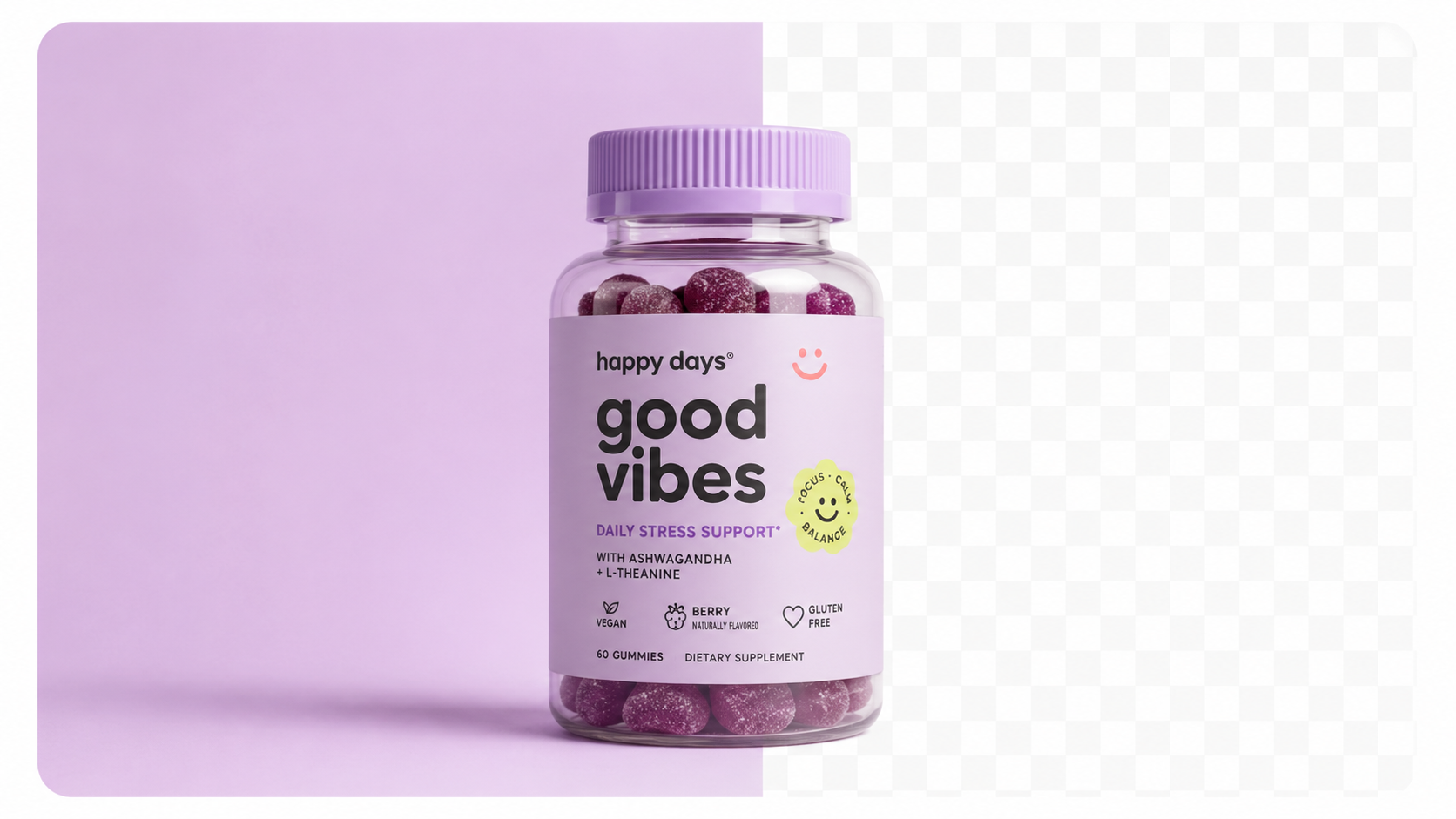
Upload your best source photo to Sellable. Select "Studio White Background." The AI will: - Remove the source background - Generate a pure white background (RGB 255,255,255) - Add a realistic drop shadow - Output at 4K resolution
Review the output — check the product is centred, fills the frame, and the background is uniformly white. Download.
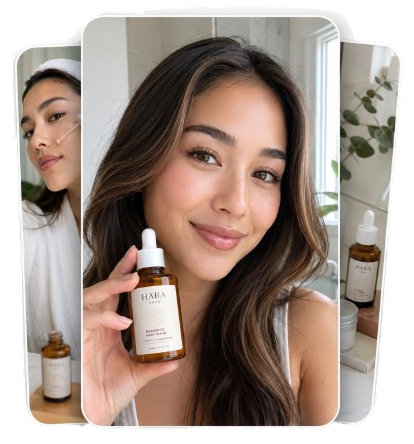
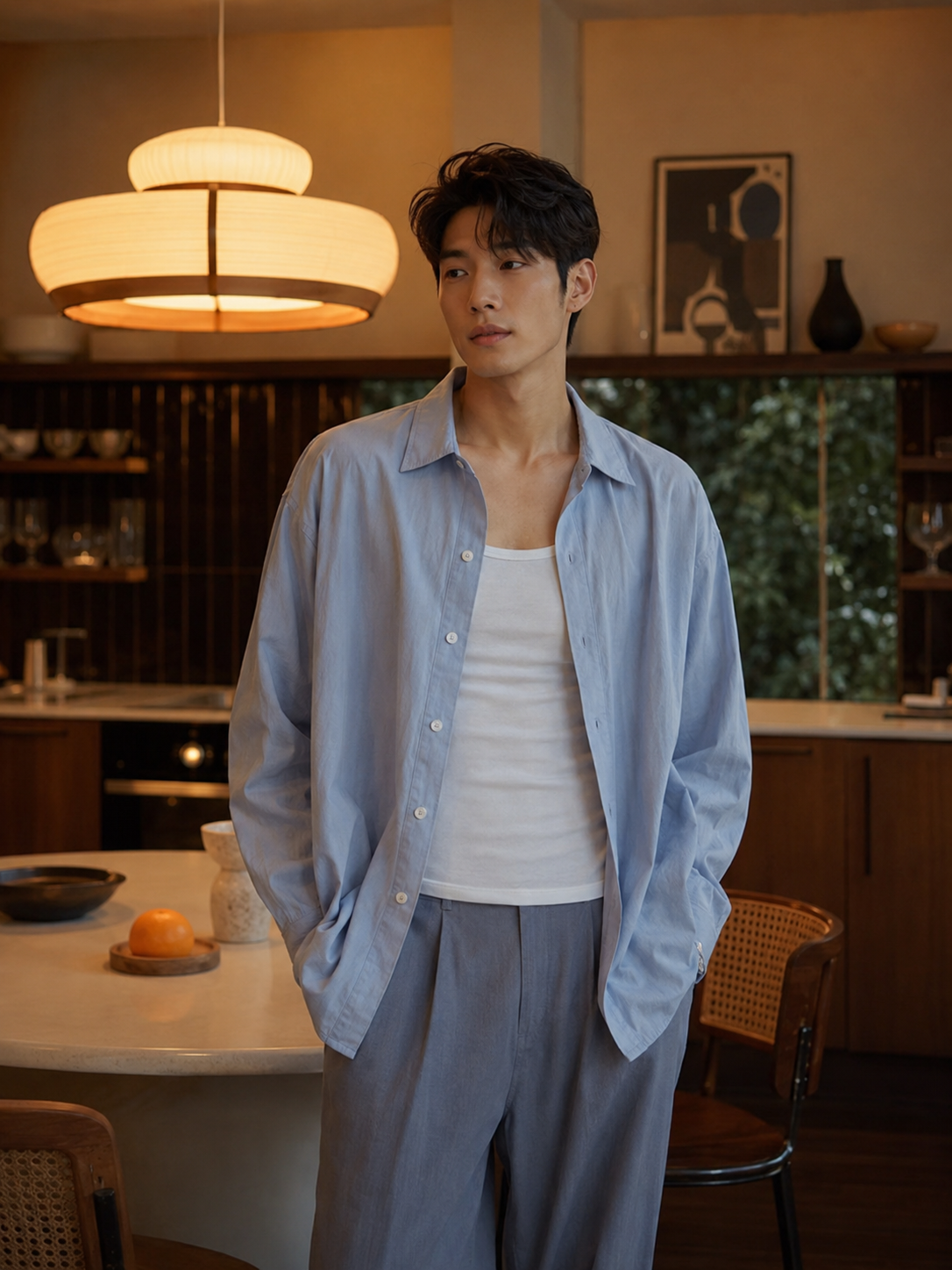
Stay in Sellable and generate 2–3 lifestyle images. Use the category preset that matches your product, or write a text prompt:
Run 3–4 variants per scene, select the best 1–2 for your listing.
Use Sellable's "Detail Close-up" mode to generate a tight crop showing the product's most important feature — texture, label, finish, opening mechanism. This answers the tactile questions buyers have.
Download all generated images (usually 4–6 files). In Shopify Admin: - Open Products → your product - Upload in the following order: main studio shot first, then lifestyle images, then detail shot - Set the main studio shot as the featured image
Sellable turns a single product photo into studio-quality images, cinematic video, and on-brand campaigns — in under 60 seconds.
Get started free →Before publishing, verify each image against this checklist:
Sellable is the AI photography platform that makes this 10-minute workflow possible. It's built specifically for ecommerce sellers who need professional product images without the cost, time, or logistics of traditional photography.
What Sellable provides in one platform:
The result: a professional Shopify product gallery that would have taken a photographer 2–3 weeks, generated in under 10 minutes.
*"I launched a 24-product Shopify store in a weekend. Sellable was the only tool that made that possible — full image sets for every product in a single Saturday afternoon."* — Sam K., Shopify seller, home goods
*"My conversion rate on new product pages went from 1.4% to 2.9% after I rebuilt my entire image gallery with Sellable. The quality difference was immediately visible."* — Tracy L., beauty brand founder
*"I thought professional product photography was out of reach for a small business. Sellable changed that. I have better images than most large brands in my category."* — Alex V., Shopify seller, accessories
Create Shopify-ready product photos in minutes →
Using a cluttered source photo
The AI needs a clean product to work with. If your source photo has a complex background, multiple products, or strong shadows, the output quality suffers. Spend the full 3 minutes getting a clean source shot.
Generating only one variant per scene
AI generation has natural variation — sometimes the first output is the best, sometimes the fourth is. Always generate 3–4 variants per scene and select the strongest before downloading.
Skipping the detail shot
Detail shots are often the lowest-priority image on a Shopify page, but they do important work answering tactile questions (how does the texture feel? how does the lid open? how does the clasp work?). Include at least one.
Uploading in the wrong order
Shopify uses the first image uploaded as the featured image in collection and search views. Always upload your cleanest, most product-focused image first.
Not adding alt text
Alt text on product images is a direct SEO signal. Use descriptive alt text that includes your product name, key features, and category. Shopify makes this easy to add in the product editor.
Can I really get professional Shopify product photos in 10 minutes?
Yes, if you have a clean source photo. The AI generation steps take 3–4 minutes total; the source photo capture is the most variable element. With practice, the full workflow runs in under 10 minutes consistently.
How many product images do I need for a Shopify store?
Shopify supports up to 250 images per product. Best practice for conversion is 5–8. More than 10 per product is rarely necessary and can slow page load times.
Do AI-generated images perform as well as traditional photography on Shopify?
For most product categories, yes — and in many cases better, because AI generation allows rapid iteration and A/B testing of image styles. Traditional photography is preferable for hero brand imagery and any content featuring real people.
Will Shopify compress my AI-generated images?
Yes — Shopify automatically compresses and serves images in WebP format for performance. Upload at the highest resolution available (4K/2048×2048px) so the compressed output still looks sharp on retina displays.
Can I use the same images for my Shopify store and Amazon listings?
Yes for lifestyle and detail images. For the Amazon main image, use the specifically calibrated white background version (RGB 255,255,255) rather than a Shopify-optimised version.
Platform Guides Platform Guides Platform Guides Platform Guides Platform Guides Platform Guides Platform Guides Platform Guides Platform Guides Product Description Generator Hashtag Generator Ad Headline Generator Product Title Generator Product Bullet Point Generator Collection Description Generator Facebook Ad Copy Generator TikTok Ad Script Generator Google Shopping Ad Generator Sign up for free and transform your product photography with Sellable.
Get started for free