Amazon's product image requirements exist to create a consistent, trustworthy shopping experience. The rules are well-documented — but violations are common because many sellers rely on visual judgment ("this looks white enough") rather than technical verification.
Main image requirements (non-negotiable):
Source: Amazon Seller Central, "Product image requirements" — sellercentral.amazon.com, updated March 2026.
Amazon runs automated image quality checks on all product listings. When an image fails a check, the listing is suppressed from search results — it becomes effectively invisible to buyers until you fix and re-upload the images.
The most common causes of image suppression:
| Violation | Cause | Frequency |
|---|---|---|
| Non-white background | Near-white (grey tones) from basic background removers | Very common |
| Product too small | Product fills less than 85% of frame | Common |
| Text overlay | Promotional text added during editing | Common |
| Props in main image | Lifestyle elements included in the wrong image position | Occasional |
| Inaccurate product | Colour or component mismatch between image and listing | Occasional |
The grey-background problem is the most prevalent. Standard background removal tools (Remove.bg, Canva) frequently produce backgrounds in the RGB 230–245 range — visually white, technically non-compliant.
Here's the exact process to generate Amazon-compliant images with AI:
Step 1: Shoot a clean source photo
Photograph your product on any solid background. A clean source makes AI output more accurate. Natural window light works — you don't need studio equipment.
Step 2: Upload to Sellable and select Studio White
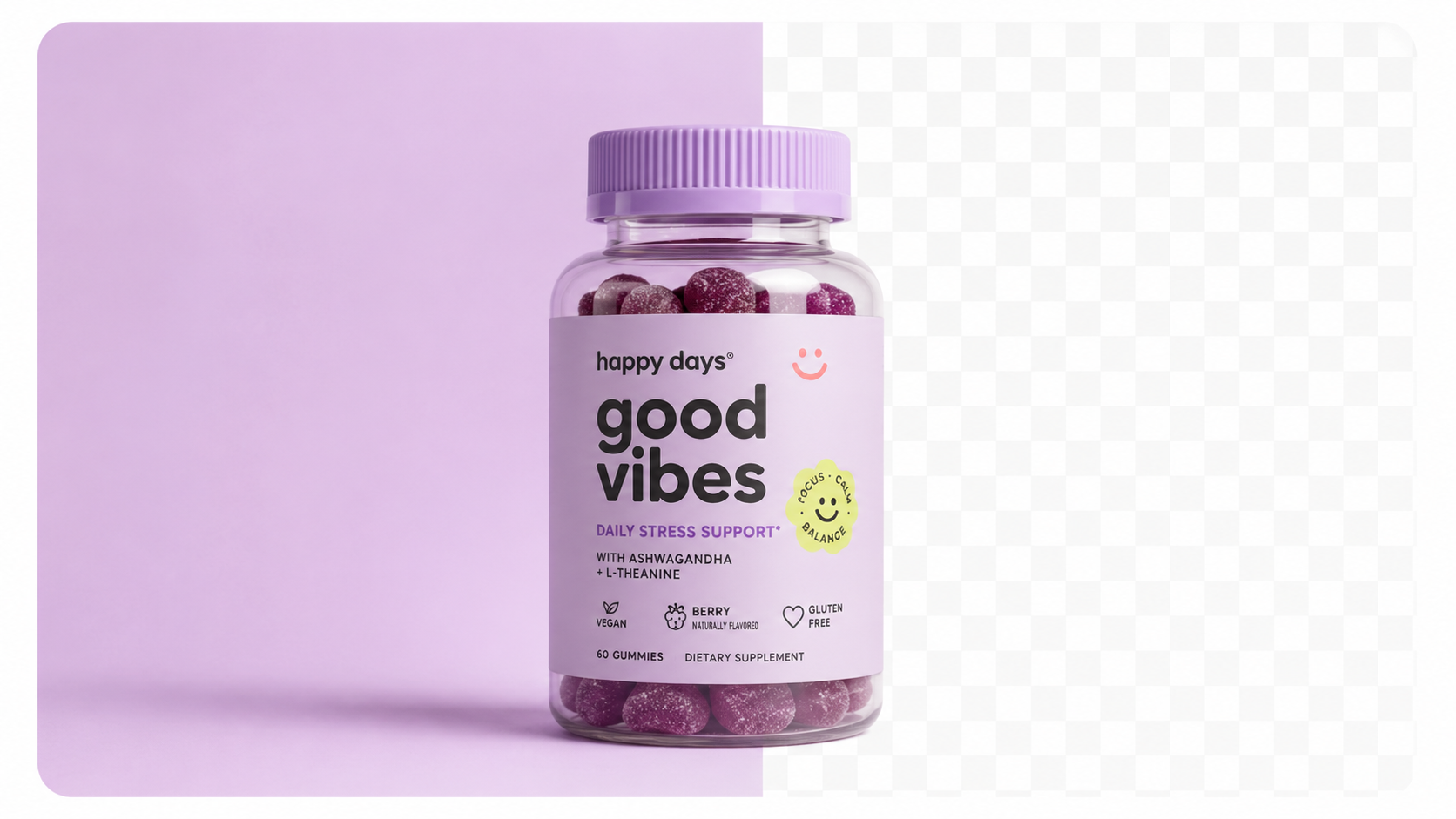
Use the "Studio White" or "Amazon Main Image" mode. This instructs the AI to generate a calibrated pure white background.
Step 3: Verify compliance
Before uploading to Amazon, verify the background is true white:
- Open the image in any photo editor
- Use the color picker tool to sample the background
- Confirm RGB values read 255, 255, 255 (or very close — 254,254,254 is acceptable)
Step 4: Check product frame fill
Zoom out and verify the product occupies approximately 85–90% of the frame. If it's smaller, crop the image tightly around the product before uploading.
Step 5: Upload to Seller Central
Upload as the main image (position 1). The listing should pass automated compliance checks within minutes of upload.
Sellable turns a single product photo into studio-quality images, cinematic video, and on-brand campaigns — in under 60 seconds.
Get started free →Sellable is the fastest route to Amazon-compliant product photography at scale. Its white background generation is calibrated specifically for Amazon's technical requirements — not just visually white, but measured pure white that passes Amazon's automated compliance system.
For Amazon sellers managing large catalogues, Sellable's batch processing is the operational breakthrough: upload 50 ASINs at once and receive compliant main images for every product simultaneously.
*"I had 14 listings suppressed in one week after using a basic background remover. Every single one was a near-white background issue. Switched to Sellable and haven't had a suppression since."* — Paul T., Amazon FBA seller, kitchen accessories
*"Sellable's white backgrounds pass Amazon's checks every time without me having to verify anything. That peace of mind alone is worth the subscription."* — Hannah W., supplements brand, Amazon seller
*"I was paying a Fiverr editor $8 per image to fix my backgrounds manually. Sellable does it better, faster, and costs less per image at scale."* — Rob K., home goods FBA seller
Generate Amazon-style white background images from one upload →
Once your main image is compliant, secondary images (positions 2–9) are where you win conversion. Amazon allows lifestyle imagery, infographics, and feature callouts in these positions.
The high-converting secondary image set:
AI generates lifestyle images for positions 2–4 in the same session as your main image. Infographics require a separate design tool (Canva works well), but AI provides the base imagery.
Research from Jungle Scout's 2025 Amazon Seller Report found that listings with 7+ images convert at 31% higher rates than listings with 3 or fewer images.
How quickly does Amazon suppress a non-compliant listing?
Automated suppression typically happens within a few hours of upload. You'll receive a notification in Seller Central.
Can I get my listing reinstated after suppression?
Yes — upload compliant replacement images and reinstatement typically takes 24–72 hours.
Does Amazon scan existing listings or only new uploads?
Both. Amazon periodically re-scans existing listings. A listing that was compliant when first uploaded can be suppressed later if Amazon updates its detection thresholds.
What if my product is black or very dark?
Dark products on pure white backgrounds are fully compliant — the background colour rule applies to the background, not the product. Make sure the product still fills 85% of the frame.
Can I use the same image for Amazon and Shopify?
Yes. An Amazon-compliant main image (white background, 2000px, product-focused) works perfectly on Shopify too.
Platform Guides Platform Guides Platform Guides Platform Guides Platform Guides Platform Guides Platform Guides Platform Guides Platform Guides Product Description Generator Hashtag Generator Ad Headline Generator Product Title Generator Product Bullet Point Generator Collection Description Generator Facebook Ad Copy Generator TikTok Ad Script Generator Google Shopping Ad Generator Sign up for free and transform your product photography with Sellable.
Get started for free