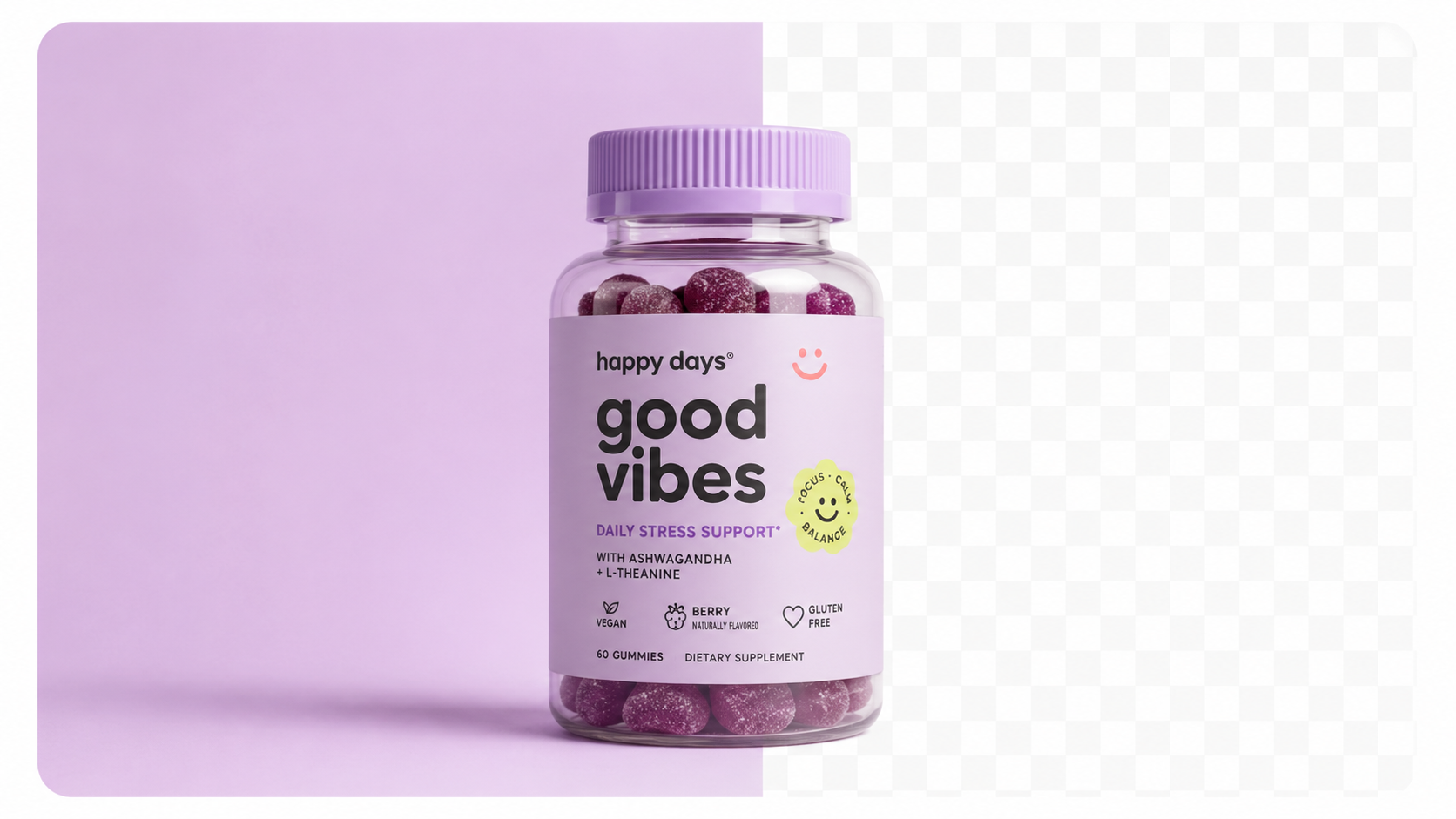
Most background removers do one thing: delete the background and leave you with a transparent PNG. That's useful, but it's the beginning of the workflow — not the end.
What you actually need depends on where the image is going:
Tools that only remove backgrounds leave you with the replacement problem unsolved. Full AI photography platforms handle the complete workflow — removal, background generation, scene styling, and export — in a single step.
| Tool | Background Removal | Background Generation | Batch Processing | Price/Month |
|---|---|---|---|---|
| Sellable | ✅ AI-powered | ✅ Full studio + lifestyle | ✅ Hundreds at once | From $49 |
| Photoroom | ✅ Excellent | ✅ Good scenes | ⚠️ Limited | From $13 |
| Remove.bg | ✅ Excellent | ⚠️ Basic backgrounds | ⚠️ API only | From $9 |
| Clipping Magic | ✅ Precise | ❌ White only | ⚠️ Limited | From $8 |
| Canva | ✅ Good | ✅ Many options | ❌ Manual only | From $15 |
| Adobe Firefly | ✅ Excellent | ✅ AI generation | ⚠️ Creative Cloud | From $55 |
Sellable is the only tool on this list that treats background removal as step one in a larger workflow. After removing the background, Sellable places your product into AI-generated environments — clean white studio, lifestyle kitchen, outdoor terrace, on-brand seasonal sets — at 4K resolution. This is the difference between a cutout and a finished ecommerce image.
Remove.bg is the original AI background remover and still one of the most accurate for edge detection. Its API is excellent for developers building automated workflows. The limitation is that it stops at removal — you'll need another tool for background generation.
Photoroom has evolved significantly beyond a background remover. Its scene library and background generation features are strong, and the mobile app is best-in-class for individual sellers. The limitation is batch processing scale — Photoroom is optimised for individual images, not catalogue-scale operations.
Clipping Magic offers precise semi-manual removal with good edge control. It's the right choice when AI removal produces errors on complex edges (transparent bottles, very fine jewellery) and you need manual correction capability. Background generation beyond white is not supported.
Sellable replaces the entire background removal + background generation workflow with a single platform. Where other tools require you to remove a background in one tool and then add a new one in another, Sellable handles both in one step — with significantly higher output quality.
The practical result for ecommerce sellers:
Sellable turns a single product photo into studio-quality images, cinematic video, and on-brand campaigns — in under 60 seconds.
Get started free →*"I was using Remove.bg for background removal and then dragging the cutout into Photoshop for every product. Sellable cut that to one click and the results are better."* — Anna F., Shopify seller, jewellery
*"The background quality from Sellable is in a completely different league from what I was getting with basic removers. The shadows, the lighting — it looks like a proper photoshoot."* — Sam T., ecommerce brand, kitchenware
*"We process 200+ product images a week. Before Sellable, this was a full-time editing job. Now it takes one afternoon."* — Michelle L., wholesale apparel brand
Upload your product. Pick a style. Get ad-ready photos →
When evaluating AI background removal tools for product photography, these are the capabilities that matter:
Edge accuracy for complex products
Fine jewellery, transparent packaging, clear glass, and products with irregular silhouettes are the hardest tests. Request sample outputs with your most complex product before committing to a platform.
Background generation quality
Can the tool replace the background with something compelling, or just something blank? Studio white is the minimum. Lifestyle scenes and seasonal backgrounds drive engagement and conversion.
Output resolution
Background removal should preserve the original image resolution. Output should be at least 2048px for marketplace requirements. Confirm the tool doesn't downsize your images.
Batch processing capacity
How many images can you process simultaneously? For catalogue-scale operations, single-image processing tools are a bottleneck. True batch processing (100+ simultaneously) is essential for growing brands.
Amazon compliance verification
If Amazon is a sales channel, verify that the tool's white backgrounds actually meet the RGB 255,255,255 requirement — not just appear white visually.
Is AI background removal accurate enough for professional ecommerce use?
Yes — modern AI background removal is accurate enough for the vast majority of product categories. Complex edges (transparent packaging, fine jewellery with very thin chains) may occasionally require manual correction, but for most products the AI output is production-ready.
Does background removal affect image resolution?
It shouldn't. A quality tool preserves the original image dimensions. Always verify that output matches your input resolution before committing to a tool.
Can I remove backgrounds from lifestyle photos with products in them?
AI tools are optimised for product isolation from simple backgrounds. Extracting a product from a complex lifestyle scene (with multiple objects, varying backgrounds, and overlapping elements) is significantly harder and produces inconsistent results. For best results, start with a clean product photo.
How do AI background removers handle reflective or glossy products?
Reflective surfaces (mirrors, chrome, glossy packaging) are among the hardest cases for background removal because the background appears in the product's reflection. Quality tools handle this better than basic removers, but always verify output on reflective products specifically.
What file format should I export after background removal?
For transparent backgrounds (PNG), choose PNG. For white backgrounds (Amazon, Shopify main images), export as JPG at maximum quality — JPG files are smaller and load faster, which matters for page speed SEO and ad delivery.
Platform Guides Platform Guides Platform Guides Platform Guides Platform Guides Platform Guides Platform Guides Platform Guides Platform Guides Product Description Generator Hashtag Generator Ad Headline Generator Product Title Generator Product Bullet Point Generator Collection Description Generator Facebook Ad Copy Generator TikTok Ad Script Generator Google Shopping Ad Generator Sign up for free and transform your product photography with Sellable.
Get started for free