
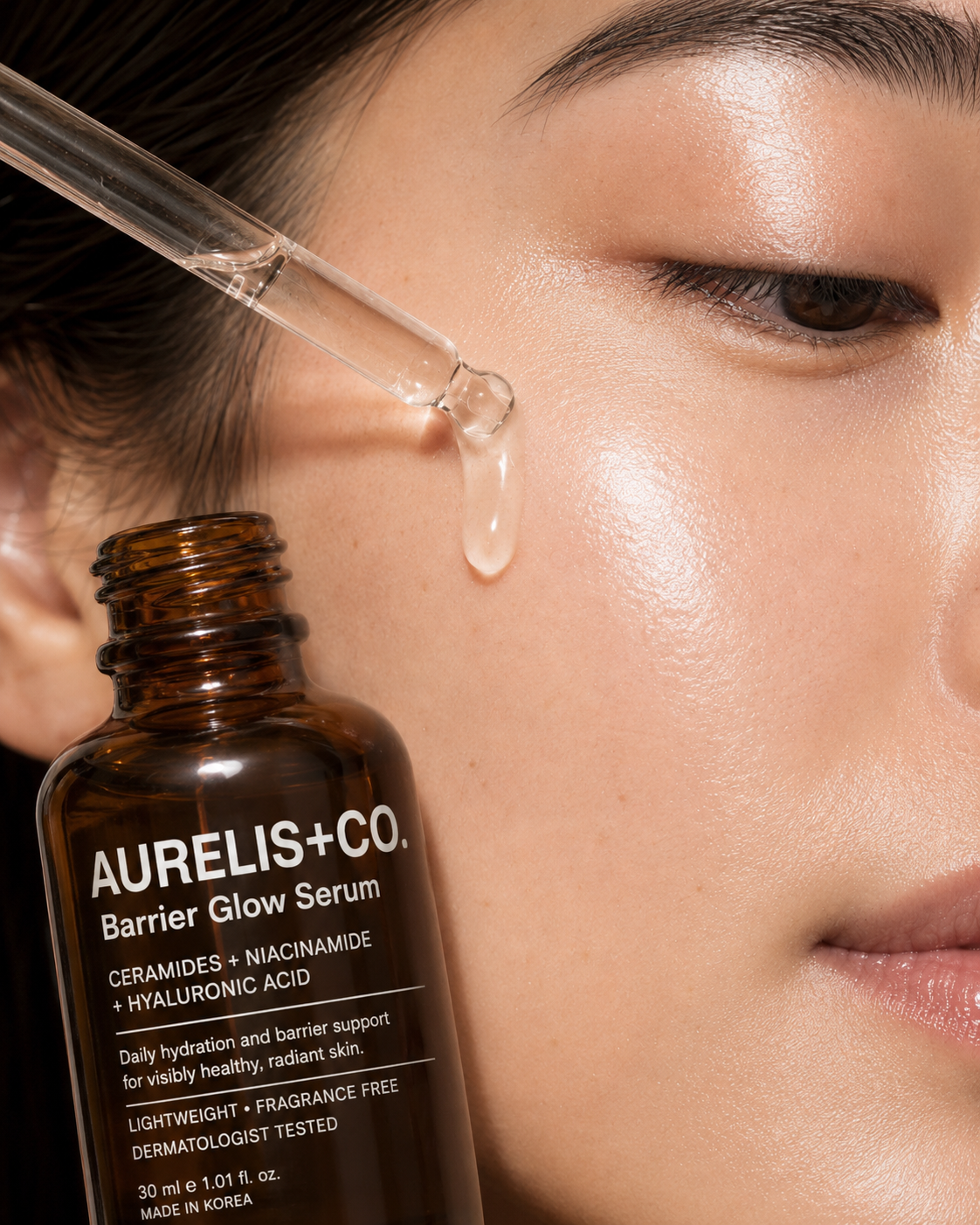
 Skincare - Serum
  Fragrance
 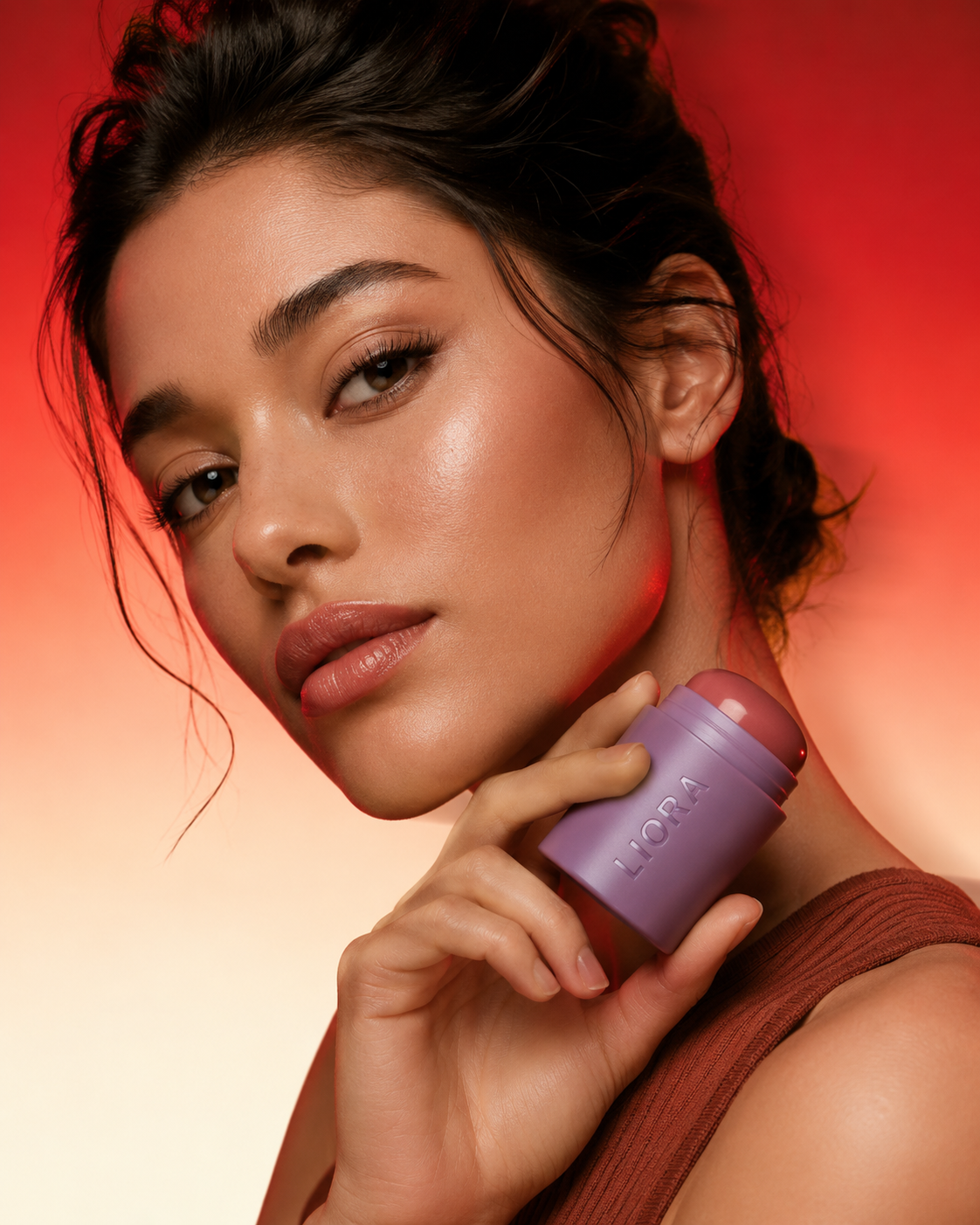 Makeup - Face
 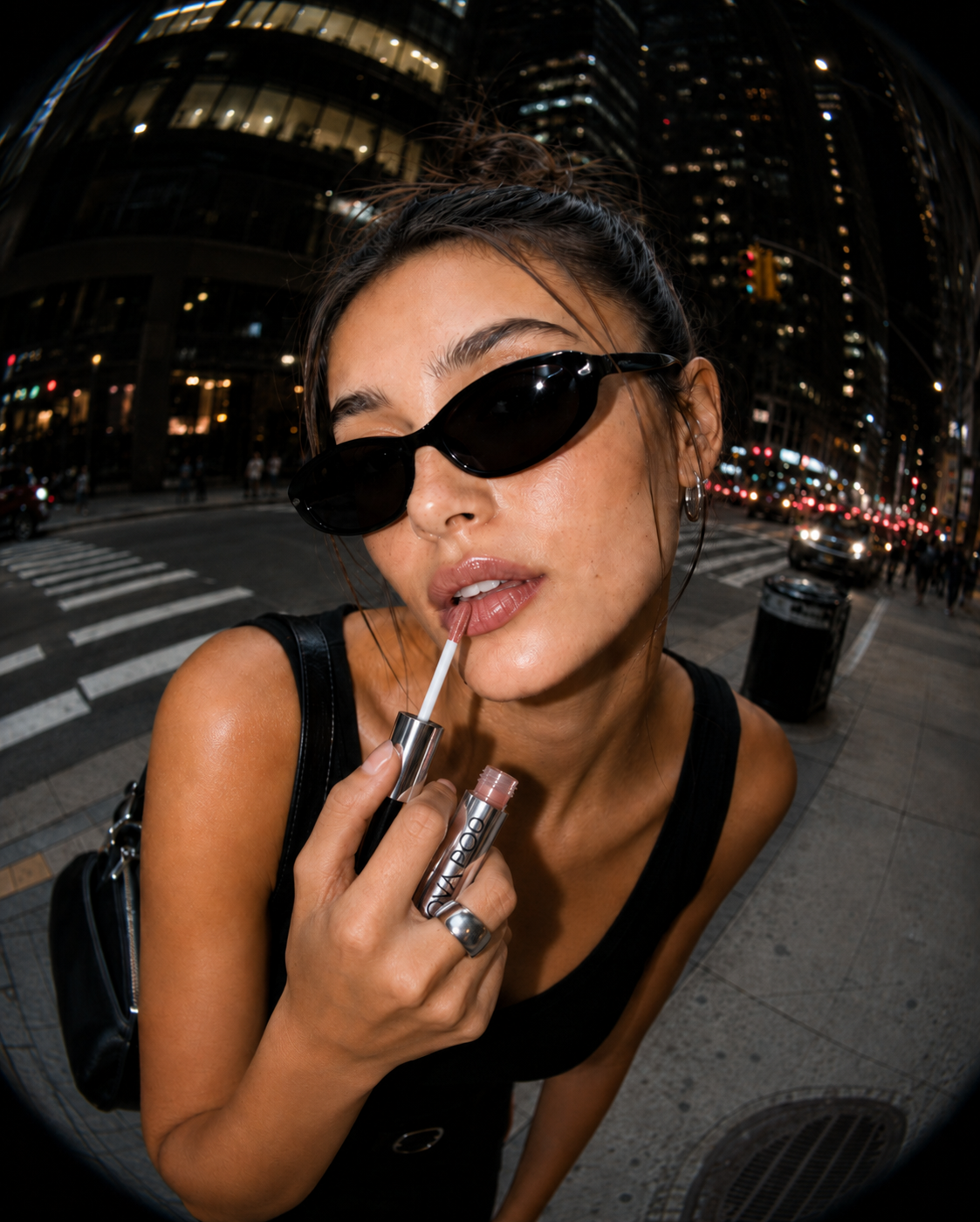 Lip Cosmetics
 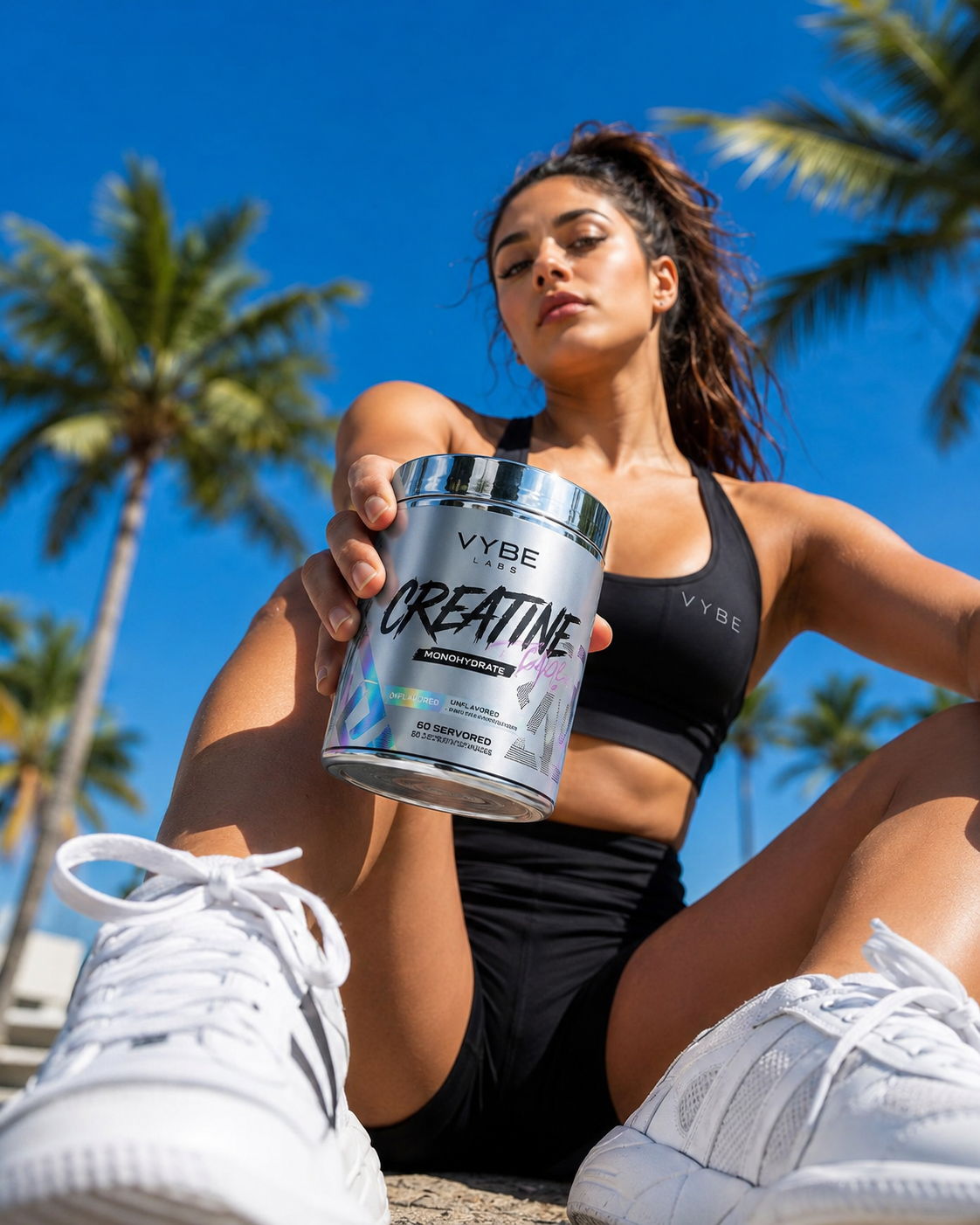 Supplements
  Home Fragrance
  Jewellery
  Kitchen & Home
 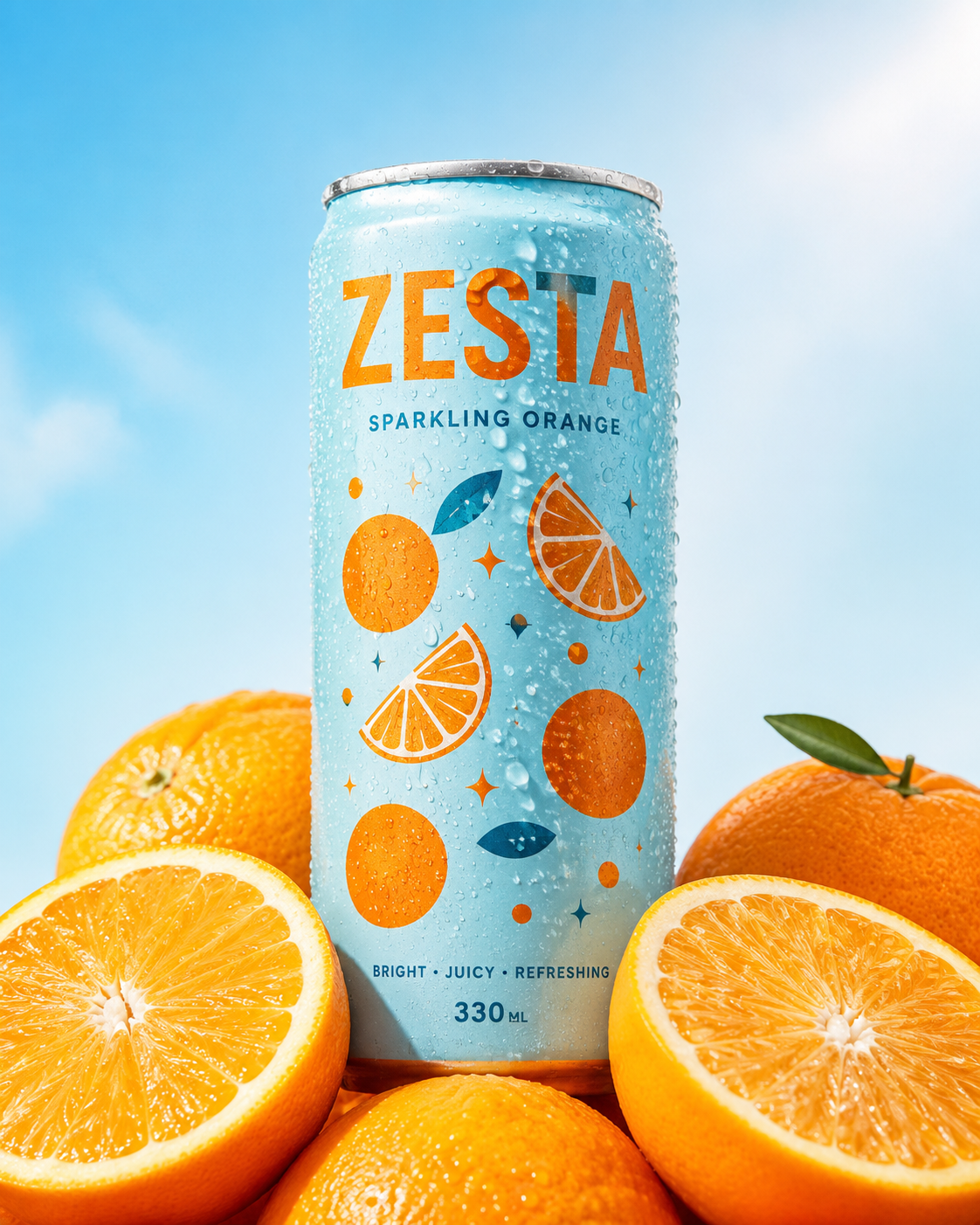 Beverages
  Health & Hygiene
 Features
Everything you need to perfect
your catalog visuals.
Background Removal
Clean backgrounds on every product photo.
Upload any image. Background removed, replaced with white, colour, or a lifestyle scene — instantly.
Try it free AI Shadow Generation
Realistic shadows added automatically.
AI creates a shadow that fits your product's exact shape and material. No Photoshop, no manual work.
See examples Auto-Centering & Padding
Every image framed the same way.
Same crop, same padding, same spec across every product. Catalog looks like one shoot.
Start free Batch Processing
Edit thousands of images in one go.
Upload your full catalog. Every image comes back edited, exported, and ready.
See pricingProven results, real impact
Brands using our AI visuals save time, cut costs, and sell more — all while scaling faster than ever.
Save thousands on production — no studios, freelancers, or retouching needed.
Turn better visuals into faster sales and fewer unsold products.
Inspire confidence with premium imagery that motivates customers to buy more.
Create and launch new visuals in minutes, not weeks — keeping your brand always fresh.
The problem
Inconsistent visuals are silently costing you sales.
The problem
Visuals look inconsistent across products
Inconsistent photos make your catalog look unfinished, even when the products aren't.
One visual preset applied to every product. Same background, framing, and depth, automatically.
The problem
Distracting backgrounds hurt first impressions
Cluttered backgrounds make even great products look cheap in search results.
Background removed, product centered, margins applied. Every image, automatically.
The problem
Flat cutouts don't convert
Flat, shadow-free cutouts look cheap — especially next to competitors with depth.
AI-generated shadows matched to each product's shape. Looks like a real shoot.
Customer stories
"It automated the background editing, making every photo consistent. This has considerably streamlined our process, giving us the freedom to innovate and improve the speed at which products go online."
FAQ
Frequently asked questions
How does Sellable optimize product catalog images?
Sellable's AI processes each image through a multi-step pipeline: background removal or replacement, automatic product centering, padding normalization, AI shadow generation, and export to your specified dimensions. You define the rules once — aspect ratio, background colour, shadow style, padding margin — and Sellable applies them uniformly across your entire catalog, new and existing.
Can it handle thousands of images at once?
Yes. Sellable is built for catalog scale. Upload thousands of images via our dashboard and process them in a single batch run. The output lands in your preferred format — PNG, WebP, JPEG — ready to push directly to your storefront or CDN. Most batches complete within minutes.
Does it support custom background colors and styles?
Yes. You can specify any background — pure white (RGB 255,255,255 for Amazon compliance), custom hex colours, gradients, or lifestyle scenes from our template library. You can also upload your own brand backgrounds and Sellable will composite your products onto them at scale.
How does AI shadow generation work?
Sellable's shadow engine analyses each product's silhouette, material surface, and the implied light source in the original photo. It then generates a shadow that matches the product's actual shape — not a generic drop shadow — with realistic softness and direction. The result looks like it was lit in a studio, not added in post.
Will optimized images meet Amazon, Shopify, and other platform requirements?
Yes. Sellable generates main images calibrated to Amazon's pure white background specification (no listing suppressions), and produces platform-ready exports for Shopify, Google Shopping, Meta, TikTok Shop, and other major channels. Format profiles are updated as platform specs change.
Can I apply the same visual style to all future product uploads?
Yes. Save your preferred settings as a Sellable preset — background, centering rules, padding, shadow style, output format — and apply it automatically to every new upload. Your visual standard stays consistent as your catalog grows without any manual intervention.