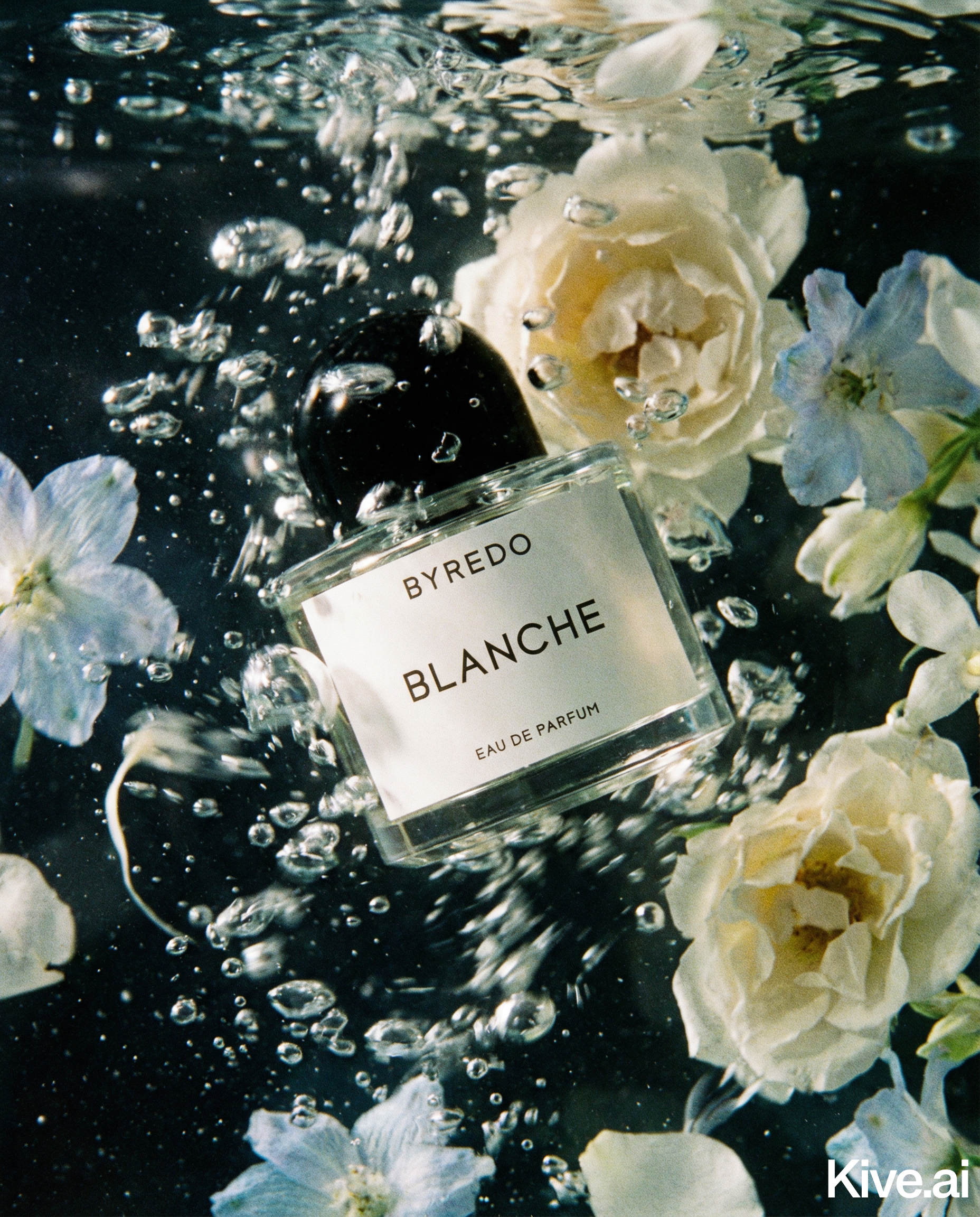
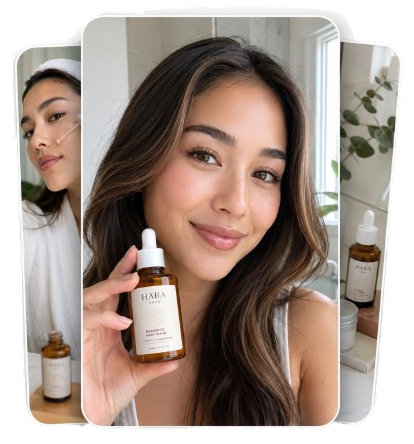
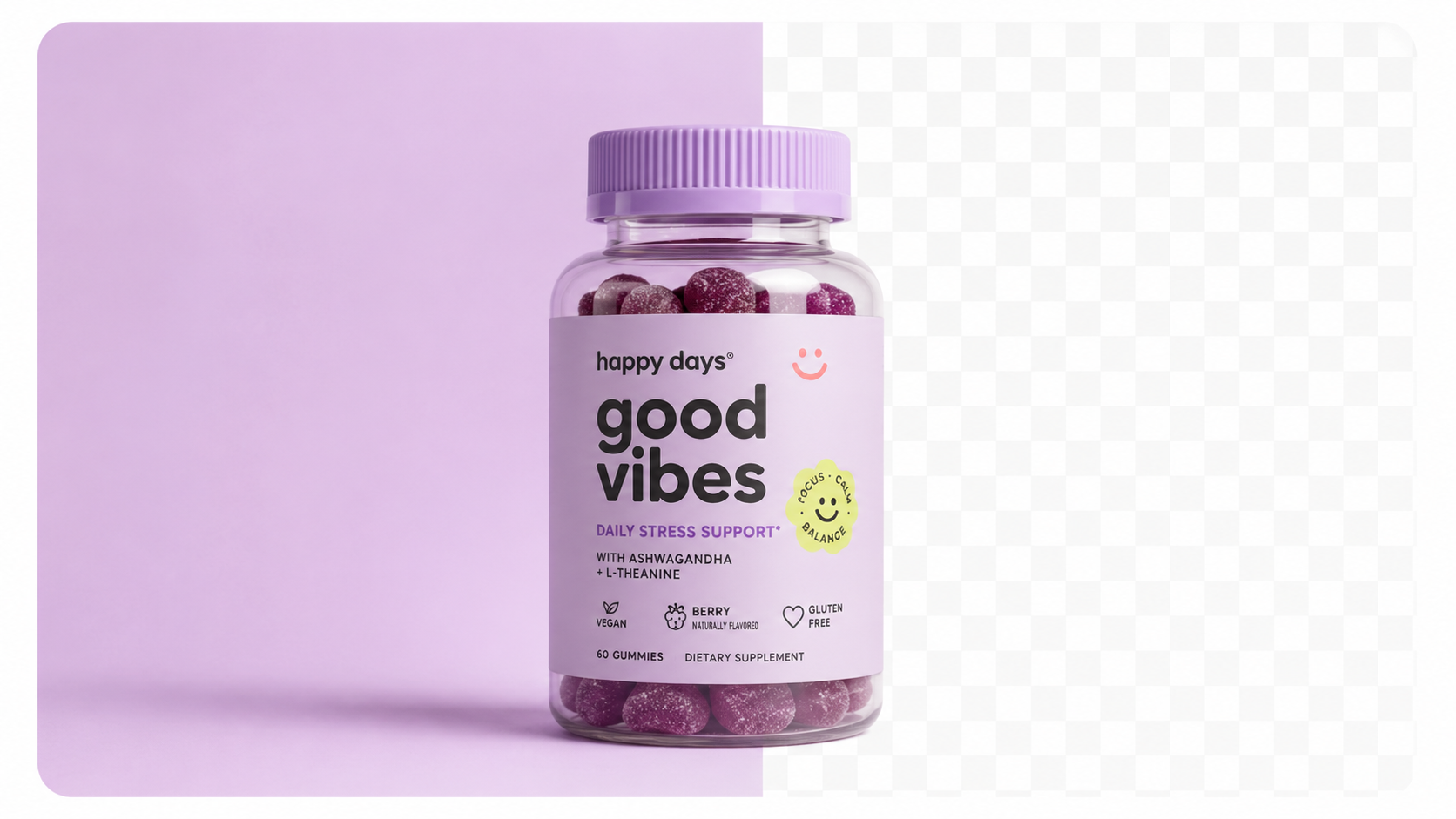
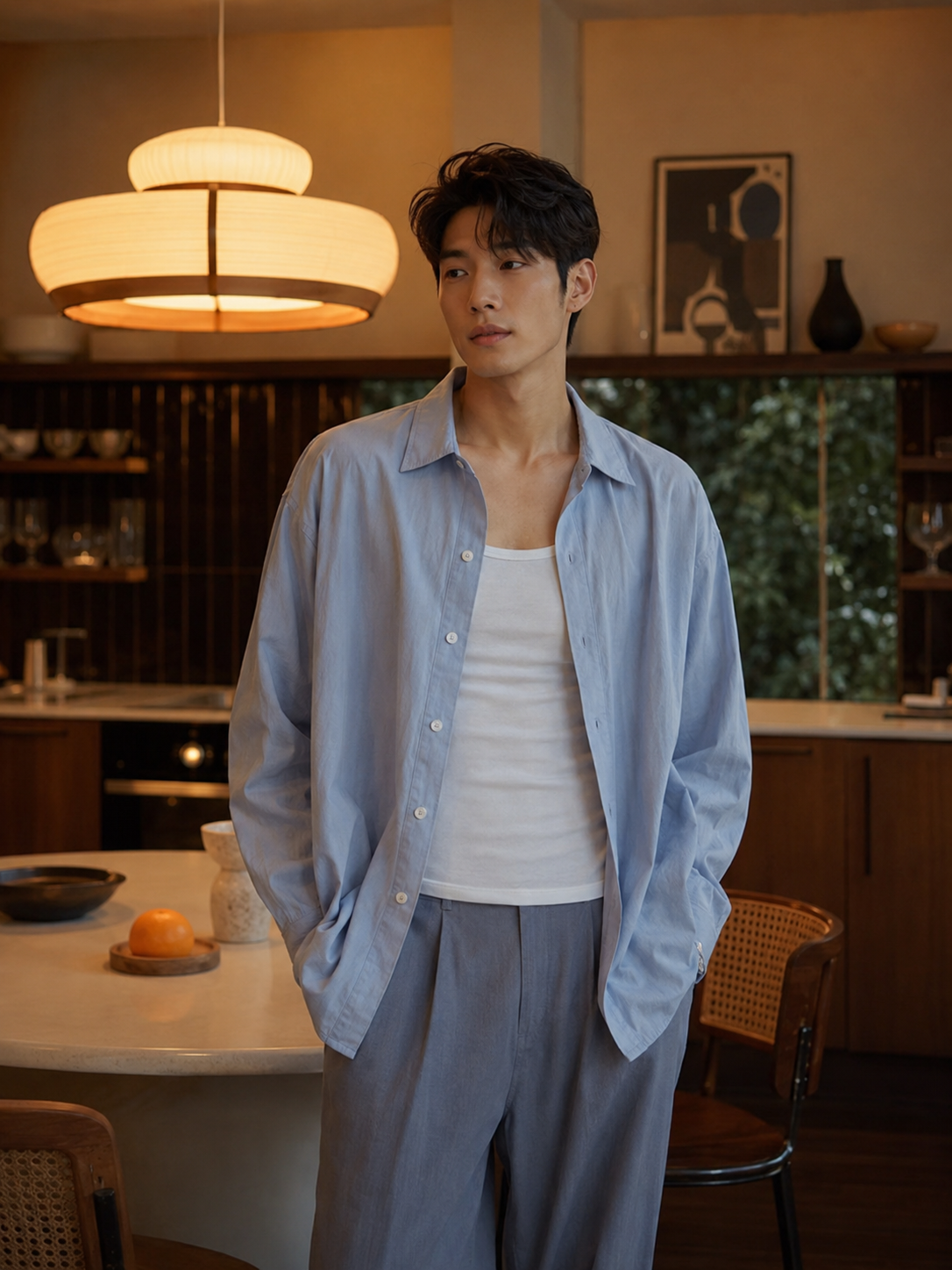
Before fixing anything, understand what "professional" actually means in an ecommerce context. Professional product photography has four characteristics:
1. Clean, distraction-free presentation
The product is the subject. Background, props, and environment serve the product — they don't compete with it.
2. Accurate, flattering lighting
Light reveals the product's form, texture, and colour. Professional lighting eliminates harsh shadows and colour casts that make products look flat or unnatural.
3. Consistent style across the catalogue
Every product in a professional store looks like it belongs to the same brand. Same lighting, same background treatment, same framing. Inconsistency is the biggest tell that a store is operating below professional standards.
4. Technical quality
High resolution, correct aspect ratio, sharp focus, accurate colour representation.
The good news: AI tools handle points 1, 3, and 4 automatically. Point 2 (lighting on the source photo) is the only element that requires your attention.
Your AI-generated output is only as good as your input. You don't need a studio — you need natural light and a clean background.
The minimum viable source photo setup:
Lighting checklist:
- [ ] Product is lit from the side (window light) — not from directly above
- [ ] No harsh shadows visible on the product face
- [ ] Product colour looks accurate on screen (not orange from warm indoor light)
- [ ] Background is uniformly lit — no dark corners
Take 3–5 shots and select the sharpest one with the most even lighting.
Upload your clean source photo to Sellable. The AI handles everything from here:
For a white background studio shot (Amazon, Shopify main image): Select "Studio White Background." Sellable removes the background and generates a pure white replacement with natural drop shadow. Output: 4K, RGB 255,255,255 background, ready for any marketplace.
For a lifestyle image (ad creative, product page secondary): Describe the scene: "product on a wooden kitchen counter with morning light and fresh herbs in background." Sellable generates the complete lifestyle composition around your product.
For a detail shot: Select "Close-up Detail" — Sellable generates a tight crop of your product's most important feature with clean, even lighting.
Review each output at full resolution before downloading. Check: - Product colour matches the physical product - Edges are clean (no artefacts around product outline) - Background is uniformly white/consistent - Labels and text are legible (if applicable)
Sellable turns a single product photo into studio-quality images, cinematic video, and on-brand campaigns — in under 60 seconds.
Get started free →Sellable is the single tool that takes a smartphone source photo and produces a full set of professional ecommerce images. No Photoshop, no designer, no photographer — just upload, prompt, and download.
For sellers who have been self-conscious about their product photography but can't afford a studio, Sellable is the equaliser. It produces the same quality as what major brands use, accessible at a subscription price that costs less than a single photography session.
*"I was embarrassed by my product photos compared to competitors. I spent one afternoon with Sellable and now my store looks as professional as brands 10× my size."* — Maya S., Shopify seller, candles
*"I thought good product photography required expensive equipment. Turns out it requires a window, a foam board, and Sellable. My conversion rate proves it."* — Oliver T., skincare brand founder
*"The difference in perceived brand quality between before and after Sellable is night and day. Same products, completely different price point customers take us seriously at."* — Kim R., accessories brand
Upload your product. Pick a style. Get ad-ready photos →
Shooting with artificial indoor lighting
Tungsten and fluorescent light make products look yellow-orange or green. Always use natural window light for your source photo. If you must shoot at night, a daylight-balanced LED ring light ($30–$50) solves this.
Cluttered or coloured backgrounds
A background with texture, colour, or objects makes it harder for AI to isolate the product cleanly. A plain white background gives the AI the cleanest possible subject to work with.
Shooting down on the product
A camera angle above the product creates foreshortening that makes products look smaller and less proportional. Shoot at product height.
Using different image styles across your catalogue
Generated your first 10 products with one style and the next 20 with a different prompt? Your store now looks inconsistent. Build a prompt template at the start and use it for every product.
Not reviewing at full resolution
AI output looks fine at thumbnail size but may have edge artefacts or colour shifts visible at 100% zoom. Always review before publishing — especially for regulated categories where label accuracy matters.
Can a phone camera produce good enough source photos for AI?
Yes — iPhone 13+ and equivalent Android cameras produce 12–48MP images that are more than sufficient for AI input. The AI processing determines output quality far more than the source resolution.
Do I need to edit my source photo before uploading?
Minimal editing helps: crop tightly, correct obvious colour casts, and check sharpness. But don't over-edit — the AI performs best with natural, unprocessed source images.
How long does the full process take?
Capturing a source photo: 5 minutes. AI generation per product: 1–2 minutes. Total for a complete 6-image product set: under 10 minutes.
Will the output look different for every product I generate?
The background style will be consistent if you use the same prompts. Natural AI variation means two generations from the same prompt won't be pixel-identical, but they'll be stylistically consistent.
Do I need a ring light?
Not for daytime shooting with natural window light. A ring light is useful for shooting at night or in rooms without adequate window light. A $30 daylight LED ring light is sufficient — you don't need expensive equipment.
Platform Guides Platform Guides Platform Guides Platform Guides Platform Guides Platform Guides Platform Guides Platform Guides Platform Guides Product Description Generator Hashtag Generator Ad Headline Generator Product Title Generator Product Bullet Point Generator Collection Description Generator Facebook Ad Copy Generator TikTok Ad Script Generator Google Shopping Ad Generator Sign up for free and transform your product photography with Sellable.
Get started for free