A high-converting Amazon listing uses every available image slot strategically. Here's the full image stack and what each position should accomplish:
| Position | Image Type | Purpose | AI or Design? |
|---|---|---|---|
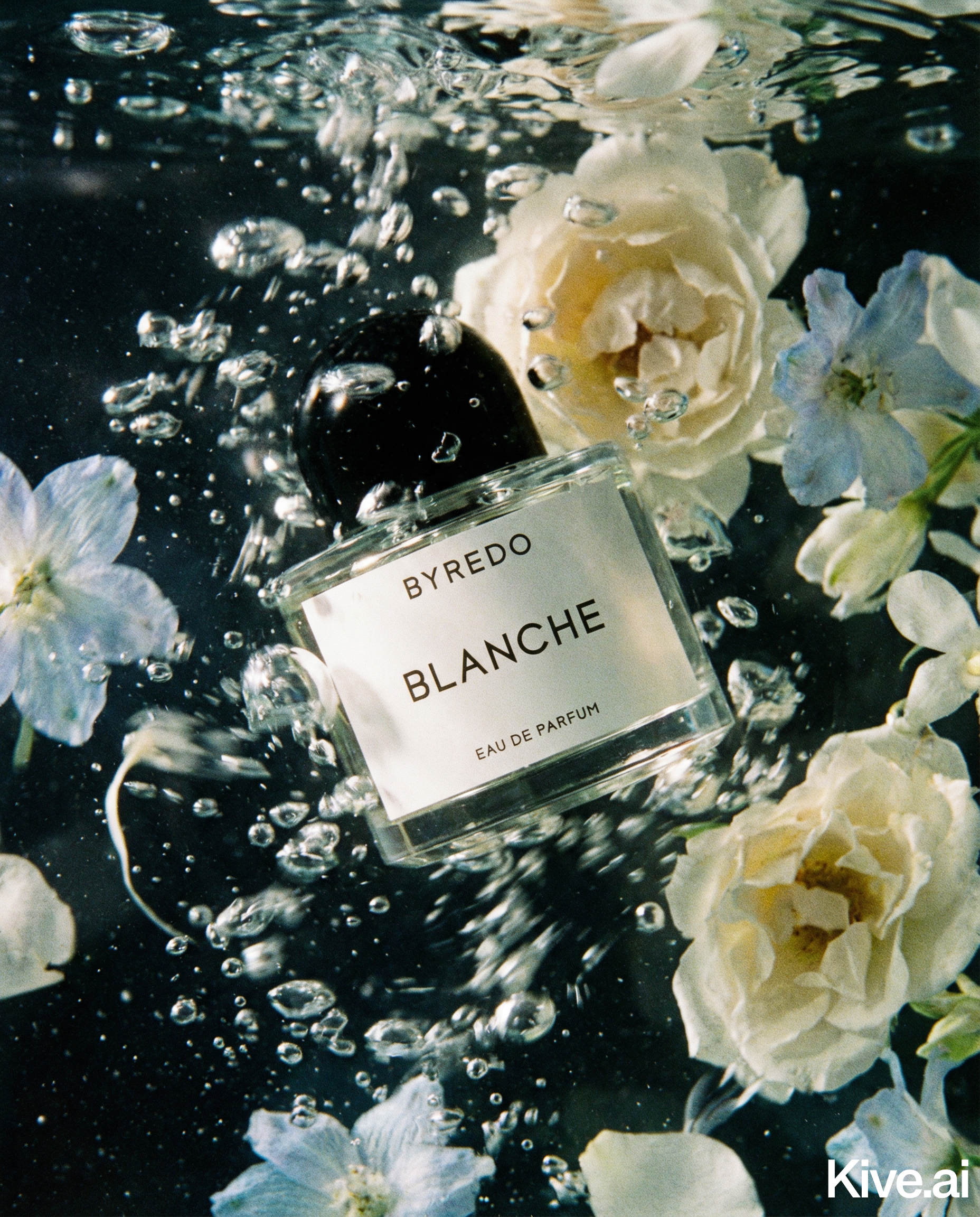
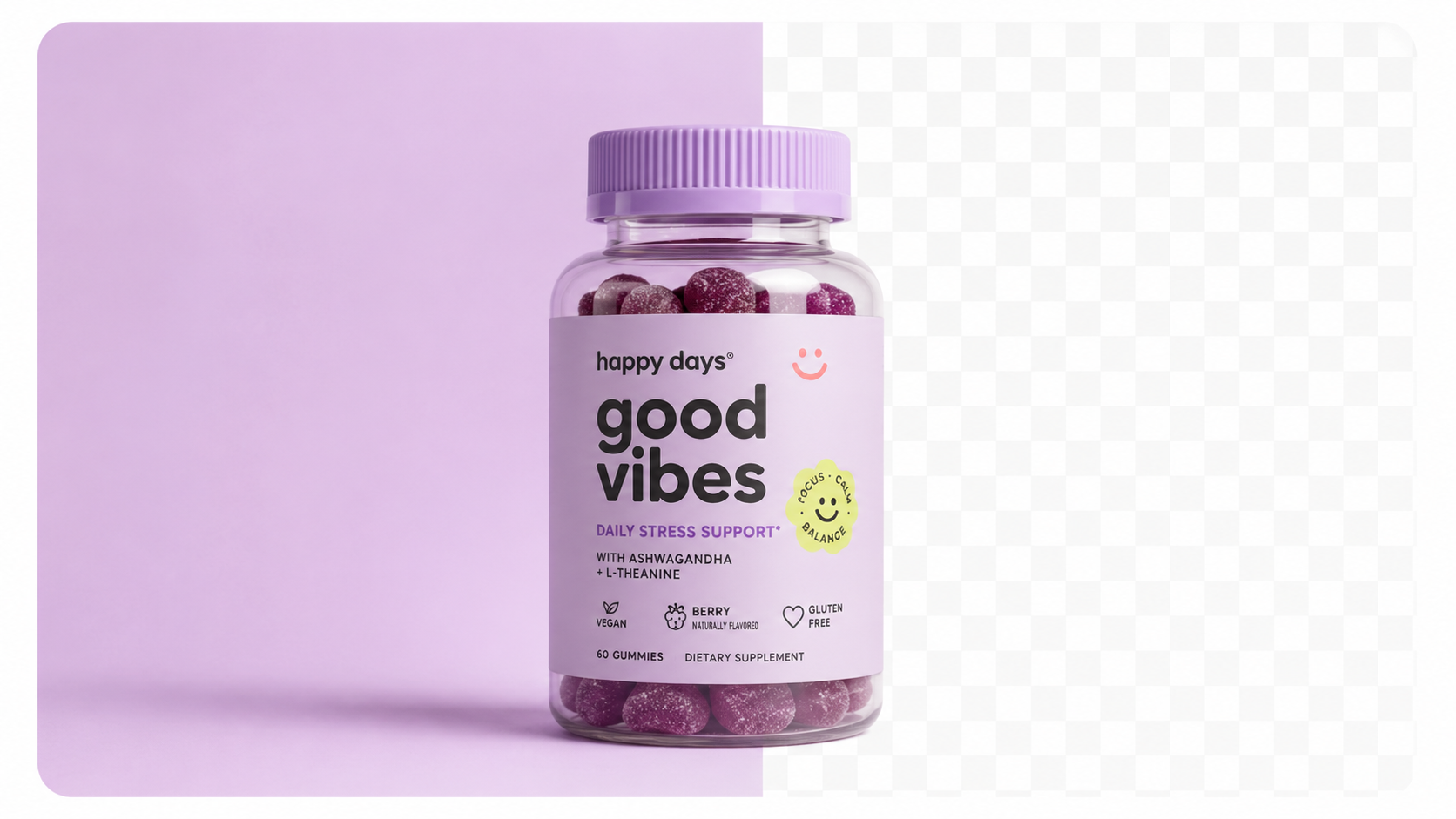
| Main (1) | White background product | Compliance + search thumb | AI (Sellable) |
| 2 | Hero lifestyle | Emotional context | AI (Sellable) |
| 3 | Infographic | Feature callouts | Design (Canva) |
| 4 | Lifestyle 2 | Second use case | AI (Sellable) |
| 5 | Scale reference | Size context | AI or Design |
| 6 | Detail/close-up | Quality reassurance | AI (Sellable) |
| 7 | Package contents | What's included | Photo or Design |
| 8–9 | Comparison / variant | Decision support | Design |
| A+ Content | Brand modules | Full brand story | AI + Design |
AI handles the photography positions (1, 2, 4, 5, 6). Design tools handle the graphics-heavy positions (3, 7, 8, 9). A+ Content uses a combination of AI photography and designed layouts.
The main image is the most technical — it must meet Amazon's exact specifications or the listing gets suppressed.
The AI workflow for a compliant main image:
Source: Amazon Seller Central, "Product image requirements" — sellercentral.amazon.com, updated March 2026.
What to avoid on the main image:
- Near-white backgrounds that measure RGB 240–250 (will fail automated checks)
- Product occupying less than 85% of the frame (listing appears less credible)
- Any text, watermarks, or promotional elements
Secondary images (positions 2–9) have significantly more flexibility. These are where you build the emotional and informational case for buying.
Position 2 — Hero lifestyle image:
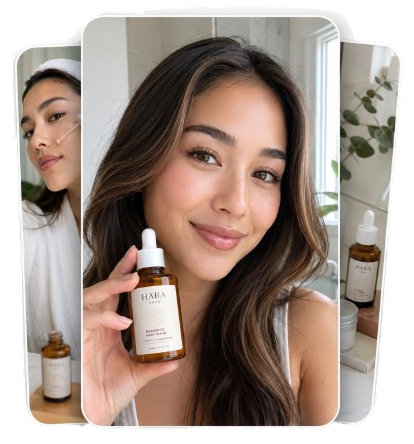
Generate a contextual scene that shows the product in its most aspirational use setting. The goal: buyer sees the image and thinks "I want that in my life."
Sellable prompt examples: - Skincare: "Product on marble bathroom shelf with morning light and green plant" - Supplement: "Product on gym bag with water bottle and fresh towel, bright lighting" - Kitchen tool: "Product on wooden chopping board with fresh vegetables and herbs"
Position 4 — Lifestyle image 2:
A second lifestyle context, different setting from position 2. For products with multiple use cases, show the second primary context.
Position 6 — Detail shot:
Generate a close-up of the product's most important feature — the label, the texture, the mechanism, the finish. This answers the "what exactly am I getting?" question.
Position 5 — Scale reference:
Show the product next to a common object to communicate size. This is often under-used but significantly reduces size-related returns.
Sellable turns a single product photo into studio-quality images, cinematic video, and on-brand campaigns — in under 60 seconds.
Get started free →Sellable generates every photographic element of your Amazon listing image stack from a single product upload. Main image (compliant), lifestyle shots for positions 2 and 4, detail image for position 6 — all in one session.
Combined with Canva for the infographic and designed positions, Sellable enables a complete 9-image Amazon listing set in under 30 minutes per ASIN.
*"Our new ASINs used to take 6 weeks to get fully imaged and live. Now the photography comes from Sellable in an afternoon and infographics take an hour in Canva. First week live: two days."* — Marcus H., Amazon private label seller
*"The lifestyle images I generate with Sellable for positions 2–4 are the best-converting creative we've ever had on Amazon. Better than what our photographer produced at 10× the cost."* — Nicole B., FBA brand
*"I manage 340 ASINs. Sellable is not optional at that scale — it's the only thing that makes full image sets for every listing financially viable."* — Derek W., Amazon seller, multi-category
Generate Amazon-style images and lifestyle shots from one upload →
A+ Content (available to Brand Registry sellers) adds a full brand module below the fold on your listing page. Research shows A+ Content increases conversion by an average of 3–10% (Amazon, A+ Content Impact Study, 2025).
A+ Content image requirements:
- Module images: various sizes depending on module type (typically 970×300px or 300×300px)
- High quality, no watermarks, accurate product representation
- Can include lifestyle imagery, feature graphics, brand storytelling
AI + Sellable for A+ Content:
Use Sellable to generate the lifestyle and product photography components of your A+ modules. Then use these images as the base layer in your A+ Content editor within Seller Central, adding text overlays and brand elements through Amazon's built-in tools.
A well-structured A+ page uses 3–5 modules: a hero banner (Sellable lifestyle image), a feature comparison table, a lifestyle highlight section (Sellable images), a brand story module, and a technical specification section.
How many images should an Amazon listing have?
Amazon allows up to 9 images plus A+ Content. Best practice is to use all 9 slots — listings that use all available image slots consistently outperform those with fewer images.
Do I need Brand Registry for A+ Content?
Yes — A+ Content is only available to sellers enrolled in Amazon Brand Registry. If you're not enrolled, prioritise doing so — it unlocks A+ Content, Sponsored Brands, and Amazon Stores.
Can I use AI-generated images for A+ Content?
Yes — Amazon has no policy against AI-generated product images in A+ Content modules.
How do I create the infographic images (position 3)?
Canva is the most accessible tool — start with an Amazon product infographic template, replace the background with a Sellable-generated image, and add your feature callouts using Canva's text tools.
What size should Amazon listing images be?
For main and secondary images: 2000×2000px minimum (square). For zoom functionality (which significantly impacts conversion), 2000px on the long side is recommended. For A+ Content modules, sizes vary by module type — check Amazon's A+ Content guidelines in Seller Central.
Platform Guides Platform Guides Platform Guides Platform Guides Platform Guides Platform Guides Platform Guides Platform Guides Platform Guides Product Description Generator Hashtag Generator Ad Headline Generator Product Title Generator Product Bullet Point Generator Collection Description Generator Facebook Ad Copy Generator TikTok Ad Script Generator Google Shopping Ad Generator Sign up for free and transform your product photography with Sellable.
Get started for free