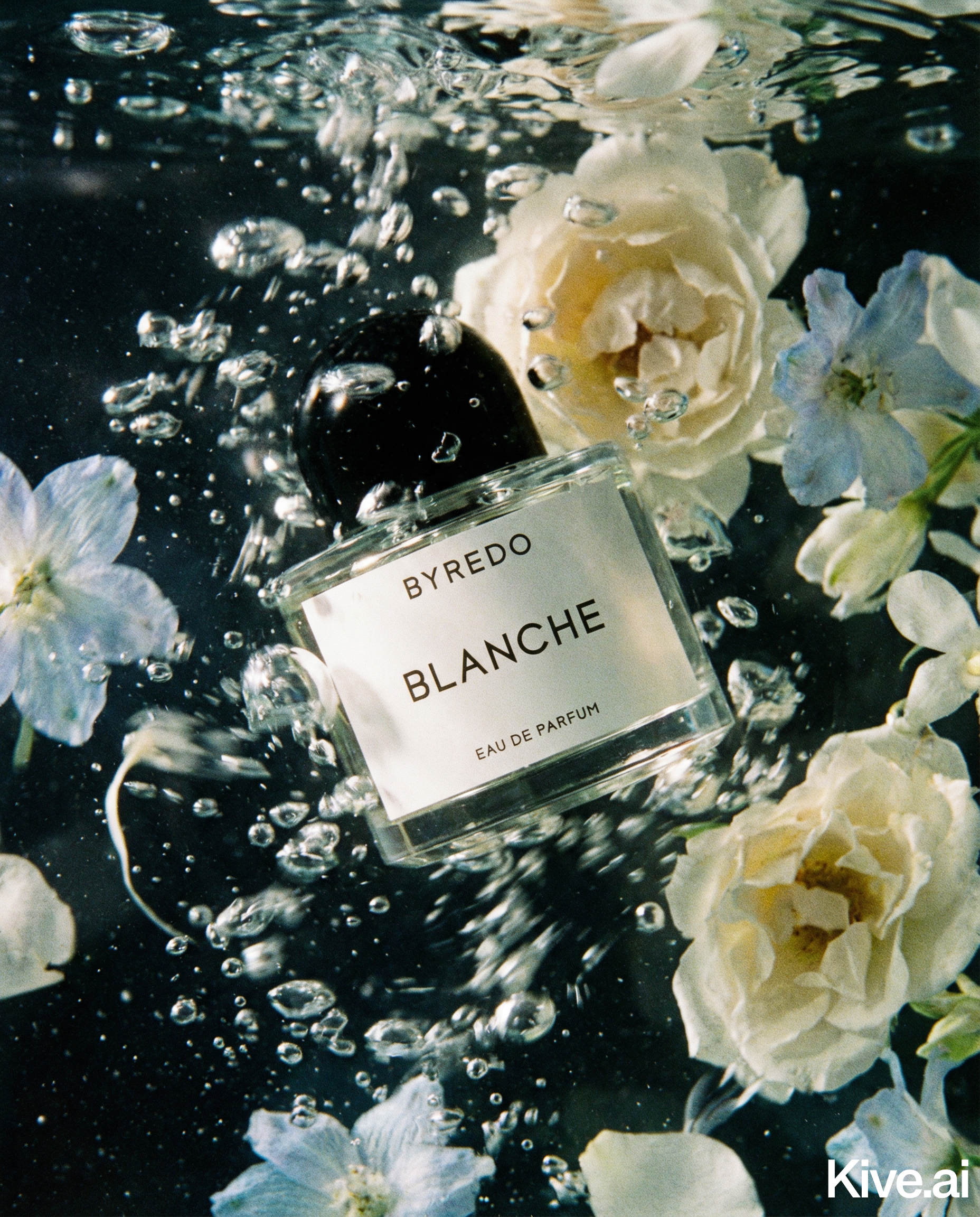
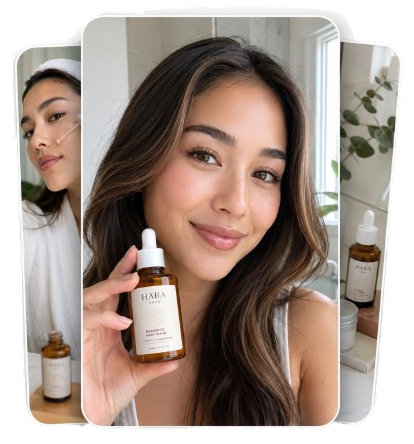
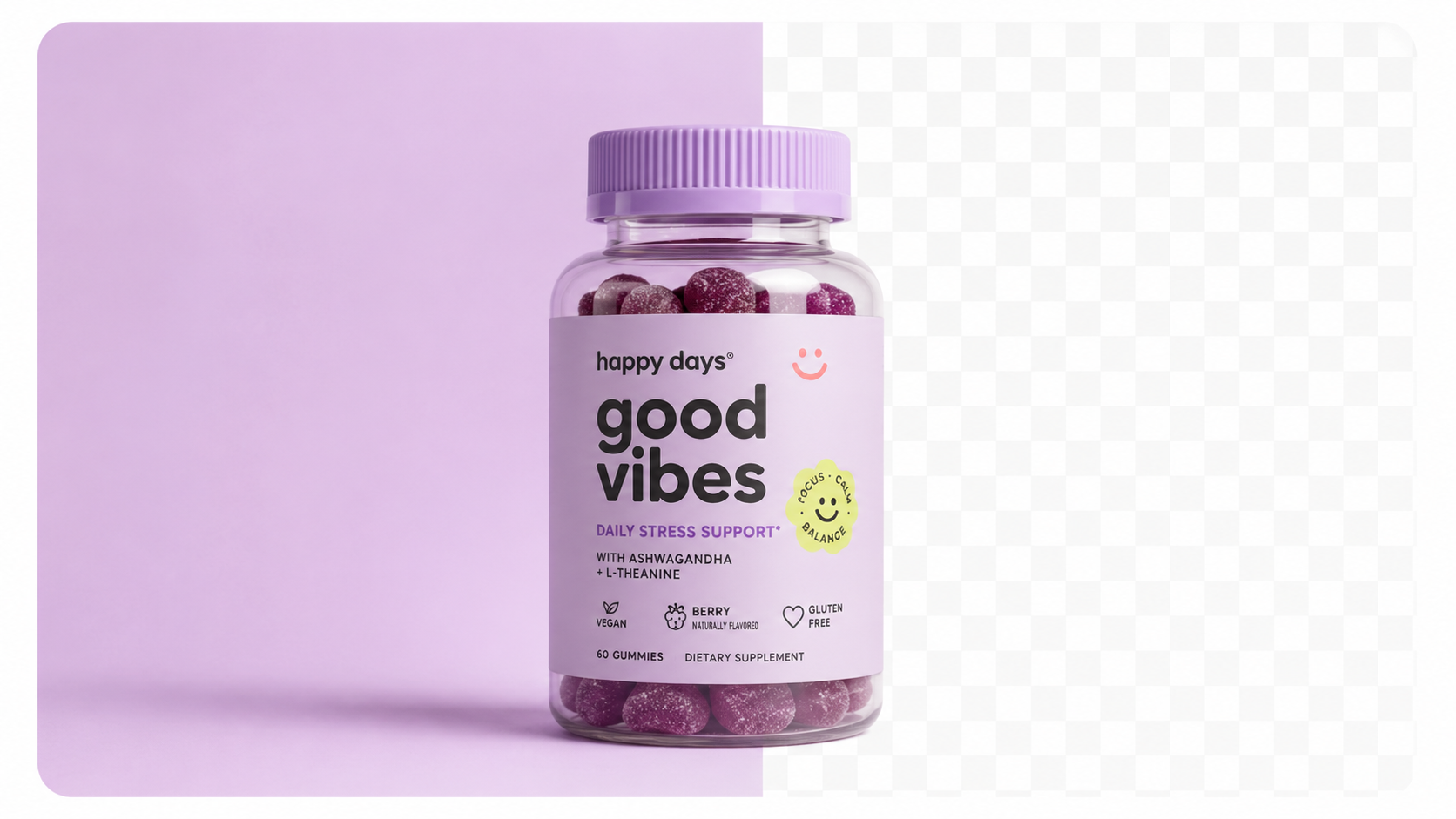
White background product photography is the default standard across every major ecommerce platform — and for good reason. Clean white backgrounds:
For Amazon sellers, this isn't optional. A non-white background on your main image will get your listing suppressed. For Shopify and Google Shopping, it's best practice that directly impacts click-through rates.
| Platform | Background Rule | Enforcement |
|---|---|---|
| Amazon | Pure white (RGB 255,255,255) mandatory for main image | Automated suppression on violation |
| Shopify | No requirement, but white strongly recommended | Manual — affects conversion |
| Google Shopping | White or light grey recommended; requirements tightening from Jan 31, 2027 | Feed rejection on violation |
| eBay | White recommended for main image | Manual — affects search visibility |
| Etsy | Any background allowed | Manual — white preferred for search CTR |
Source: Google Merchant Center Help, "Image requirements for Google Shopping" — support.google.com/merchants, updated February 2026. Amazon Seller Central, "Product image requirements" — sellercentral.amazon.com, updated March 2026.
Google's January 31, 2027 deadline is worth noting now: the platform is moving toward stricter image quality enforcement for Shopping ads. Sellers who migrate to clean white background images before the deadline will avoid feed disruptions.
Traditional white background photography requires a sweep of white paper or a lightbox, studio lights to eliminate shadows, and post-processing to correct remaining grey tones. AI eliminates every step of this process.
Step 1: Prepare your source image
You don't need a perfect input — but a cleaner source produces a better output. Ideally: - Shoot the product against any solid background (white, grey, or blue work well) - Use natural light from a window or a basic ring light to reduce harsh shadows - Shoot at the highest resolution your camera allows - Keep the product centred and in focus
Step 2: Upload to your AI tool
Upload the image to an AI product photography tool. Look for a "White Background" or "Studio White" mode — this instructs the model to generate a pure white background specifically.
Step 3: Review the output
Check for: - Background purity: Should be uniformly white — no grey gradients or tonal variation - Product scale: The product should fill 80–90% of the frame - Shadow quality: Natural drop shadows look realistic; absent shadows look artificial - Edge accuracy: Product edges should be clean, especially around hair, fur, or fine details
Step 4: Export at the right resolution
Export at 2048×2048px minimum for Shopify and Google Shopping. For Amazon, 2000px on the long edge is recommended for zoom functionality.
Sellable turns a single product photo into studio-quality images, cinematic video, and on-brand campaigns — in under 60 seconds.
Get started free →Sellable generates pure white background product photos that are platform-compliant out of the box. Unlike generic background removal tools, Sellable is purpose-built for ecommerce and understands the specific requirements of Amazon, Shopify, and Google Shopping.
What makes Sellable's white background generation different:
*"I used to spend 20 minutes in Photoshop per product just getting the background right. Sellable does it in 10 seconds and the Amazon compliance rate is perfect."* — Laura B., Amazon FBA seller
*"We relaunched our entire 200-SKU catalogue with Sellable white backgrounds. Google Shopping CTR improved by 22% within two weeks."* — David K., ecommerce director
*"The quality difference between Sellable and a standard background remover is enormous. The shadows, the product edge accuracy — it actually looks like a studio shot."* — Priya M., Shopify seller, cosmetics
Create Shopify-ready product photos in minutes →
Using near-white instead of pure white
Many background removal tools produce backgrounds that look white on screen but are actually light grey (RGB 245,245,245 or similar). Amazon's automated checks detect this and suppress your listing. Always verify your output is true RGB 255,255,255.
Incorrect product scale
Amazon requires the product to fill at least 85% of the main image frame. If your product appears too small, buyers can't zoom in effectively and your listing looks unprofessional. Check that the product dominates the frame.
Missing or flat shadows
Products without shadows look artificially pasted onto the background. A natural drop shadow or surface shadow anchors the product visually. Good AI tools add this automatically.
Low resolution exports
Exporting at less than 2000px means buyers can't zoom in on Amazon or see detail on high-DPI Shopify displays. Always export at maximum resolution available.
Not reviewing edge quality
AI background removal can struggle with fine details — jewellery chains, fur, loose hair, transparent packaging. Always review output at 100% zoom before uploading to any marketplace.
Can I use a white background photo for all ecommerce platforms simultaneously?
Yes — a properly generated white background image (2048×2048px, RGB 255,255,255 background) meets the requirements of Amazon, Shopify, Google Shopping, and eBay simultaneously.
How is AI white background generation different from background removal apps?
Background removal apps simply delete the background and replace it with white. AI photography tools like Sellable regenerate the entire scene — adding realistic lighting, shadows, and reflections that make the product look like it was photographed in a studio. The visual quality difference is significant.
Do I need to photograph the product first?
Yes — AI tools require a source photo of your actual product. However, the quality bar for the source photo is low: a smartphone photo in good light is usually sufficient for AI to produce professional output.
What if my product has a transparent or glass element?
AI tools handle transparent materials with varying quality. Sellable produces accurate results for glass, clear packaging, and partially transparent products. Test with a sample image before committing to a full batch.
Will AI white background images look different from real studio photos?
Side-by-side comparisons show that modern AI tools match or exceed the quality of mid-tier studio photography for most product categories. The main difference is in very complex composites or products with unusual materials — for those, traditional photography may still be preferable.
Platform Guides Platform Guides Platform Guides Platform Guides Platform Guides Platform Guides Platform Guides Platform Guides Platform Guides Product Description Generator Hashtag Generator Ad Headline Generator Product Title Generator Product Bullet Point Generator Collection Description Generator Facebook Ad Copy Generator TikTok Ad Script Generator Google Shopping Ad Generator Sign up for free and transform your product photography with Sellable.
Get started for free