Amazon enforces strict product image requirements, and listings that violate them get suppressed. Here are the rules every seller needs to know:
Main image (position 1):
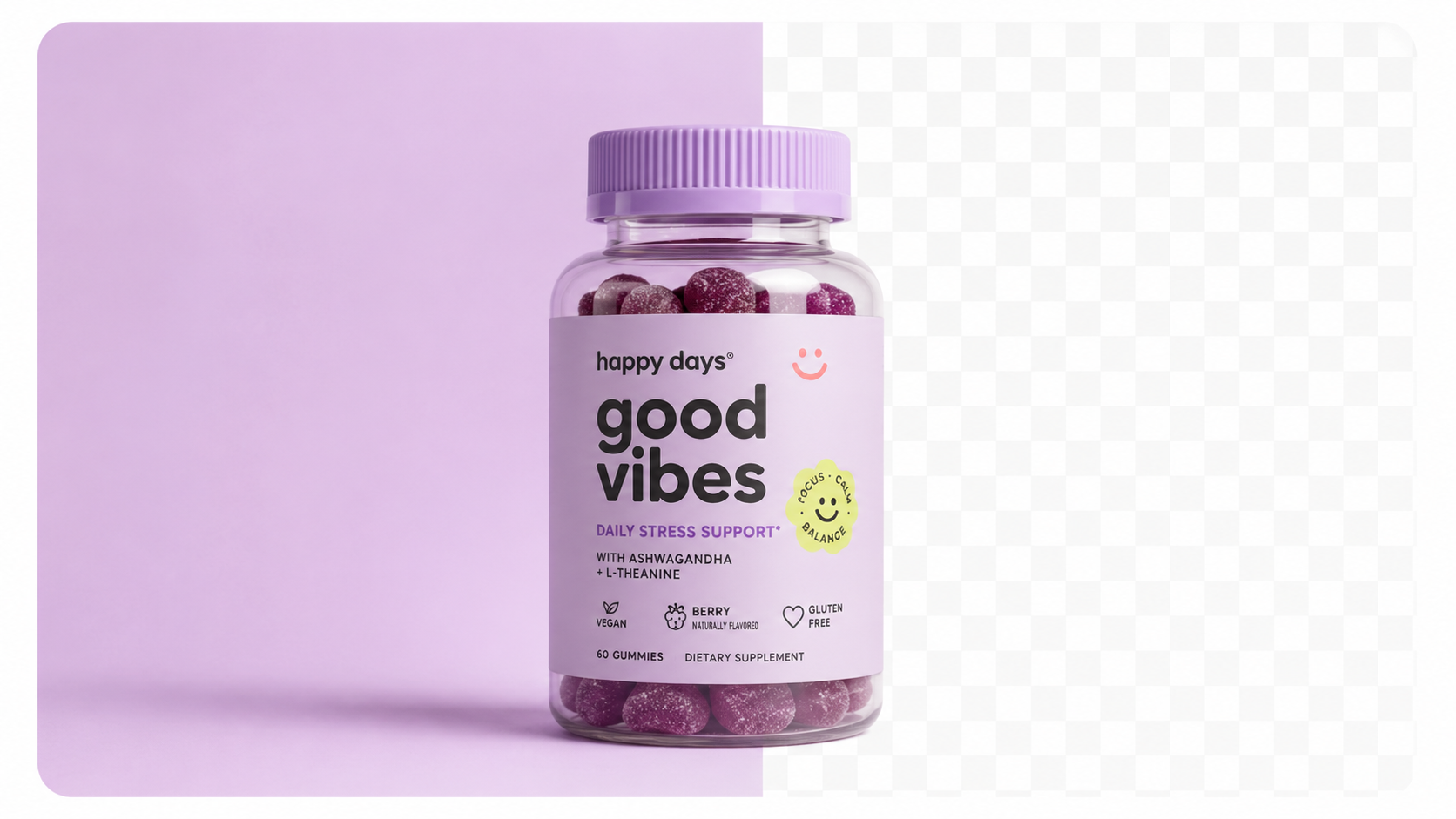
- Pure white background: RGB value 255, 255, 255
- Product must fill at least 85% of the image frame
- No watermarks, logos, text overlays, or additional objects
- No lifestyle shots, props, or lifestyle backgrounds
- Minimum 1,000px on the longest side (for zoom); 1,600–2,000px recommended
- Accurate product representation — no misleading colours or features
Secondary images (positions 2–7):
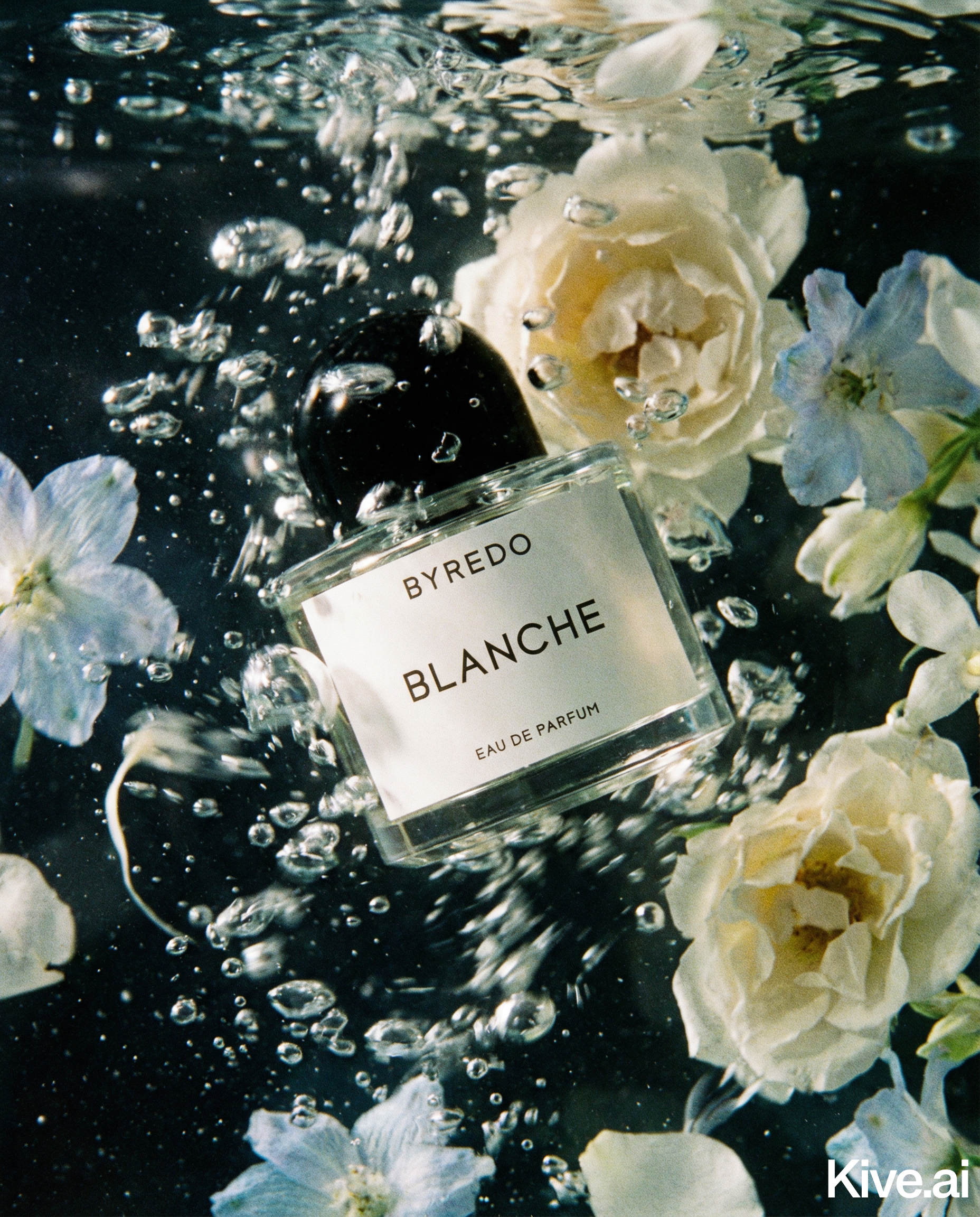
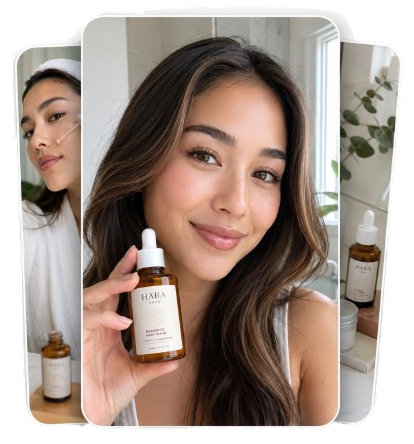
- Lifestyle shots, scale references, feature callouts, and infographics are allowed
- A+ Content modules also support rich imagery
Source: Amazon Seller Central, "Product image requirements" — sellercentral.amazon.com, updated March 2026.
Failure to comply leads to listing suppression — Amazon simply won't show your product in search results until the issue is resolved.
AI product photography is particularly well-suited to Amazon for two reasons:
For A+ Content and lifestyle secondary images, AI lifestyle generation is equally valuable — producing the kind of contextual, scene-based imagery that lifts conversion rates by 3–10% on well-optimised listings.
| Tool | Amazon Main Image | Lifestyle/A+ | Batch Processing | Price/Month |
|---|---|---|---|---|
| Sellable | ✅ Pure white bg | ✅ Full scenes | ✅ Yes | From $49 |
| Photoroom | ✅ Good | ⚠️ Limited | ⚠️ Limited | From $13 |
| Pebblely | ✅ Good | ✅ Good presets | ⚠️ Slow | From $19 |
| Clipping Magic | ✅ Excellent | ❌ No | ❌ No | From $8 |
| Flair AI | ✅ Good | ✅ Creative | ❌ No | From $38 |
Sellable generates Amazon-compliant pure white background images and lifestyle shots in the same workflow. The batch generation feature is essential for FBA sellers managing large catalogues — upload 50 products at once and receive compliant image sets for every ASIN simultaneously.
Photoroom's background removal is fast and accurate. For quick main image production, it's a solid choice. The limitation for Amazon sellers is that Photoroom doesn't offer the scene depth needed for A+ Content lifestyle imagery — you'll need a separate tool for secondary images.
Sellable turns a single product photo into studio-quality images, cinematic video, and on-brand campaigns — in under 60 seconds.
Get started free →Pebblely works well for beauty, food, and lifestyle product categories where A+ Content imagery drives significant conversion uplift. Its preset scenes look polished without requiring creative direction.
Sellable is the fastest way to produce Amazon-compliant product images at scale. One product photo in — a full image set out. White background main images, lifestyle A+ Content, and variant shots, all generated in under 60 seconds per product.
What makes Sellable different for Amazon sellers:
*"I was spending $600 per ASIN on photography for my Amazon listings. With Sellable I get compliant main images and lifestyle shots for under $2 total. It changed the economics of my business."* — Marcus D., Amazon FBA seller, home goods
*"I launched 80 new ASINs last quarter. There is absolutely no way I could have done that with traditional photography. Sellable made it possible."* — Rachel W., supplements brand, Amazon seller
*"Our A+ Content engagement went up significantly after we started using Sellable-generated lifestyle images. The quality matches what big brands produce."* — Tom K., kitchenware seller
Generate Amazon-style white background images and lifestyle shots from one upload →
Here's how experienced Amazon sellers use Sellable to build a complete image set for a new ASIN:
Total time per ASIN: approximately 5 minutes. Compare that to 3 weeks with traditional photography.
Do Amazon's image requirements allow AI-generated photos?
Yes. Amazon's policies govern image content and technical specifications, not the method of creation. AI-generated images that meet Amazon's requirements are fully compliant.
What exact white background value does Amazon require?
RGB 255, 255, 255 — pure white. Some tools generate near-white backgrounds that appear white to the eye but fail Amazon's automated compliance checks. Sellable generates true pure white.
Can I use AI images for Amazon A+ Content?
Yes. A+ Content has fewer restrictions than the main image — lifestyle shots, infographics, and brand imagery are all allowed. AI-generated lifestyle images work well for A+ Content modules.
How many images should I have per Amazon listing?
Amazon allows up to 9 images. Best practice for conversion is 6–9 images: 1 compliant main image, 2–3 lifestyle images, 1–2 infographic/feature callout images, and 1 scale reference. A+ Content adds additional image real estate below the fold.
Will AI product photography affect my Amazon review ratings?
No — image quality affects conversion rate (and therefore sales), not review ratings. Higher-quality imagery typically increases conversion, which improves your Best Seller Rank over time.
Platform Guides Platform Guides Platform Guides Platform Guides Platform Guides Platform Guides Platform Guides Platform Guides Platform Guides Product Description Generator Hashtag Generator Ad Headline Generator Product Title Generator Product Bullet Point Generator Collection Description Generator Facebook Ad Copy Generator TikTok Ad Script Generator Google Shopping Ad Generator Sign up for free and transform your product photography with Sellable.
Get started for free