Modern AI product photography tools — including Sellable — are designed to work with any reasonable input image, including smartphone photos. The AI doesn't care whether your source was a Canon R5 or an iPhone 13.
What the AI does care about: - Subject clarity: Is the product in focus and clearly visible? - Background simplicity: Can the AI tell where the product ends and the background begins? - Lighting quality: Is the product surface visible without harsh shadows or overexposure?
A well-shot iPhone photo on a clean background checks all three boxes. The rest — scene generation, lighting, shadows, reflections — is handled by the AI.
These settings and techniques make the biggest difference:
Lighting — Use natural window light. Place your product near a large window with indirect sunlight (overcast days are ideal). Avoid direct harsh sunlight which creates strong shadows.
Background — Use a sheet of white foam core or a white piece of card. It doesn't need to be perfect; the AI will replace it.
Camera settings: - Use the rear camera (not the selfie camera — higher quality lens) - Turn off HDR in Settings → Camera — it can flatten lighting that AI needs to interpret - Lock exposure: Long-press on the product to lock focus and exposure - Use 2× optical zoom (on iPhone 11 and later) for closer shots without lens distortion - Turn on a tripod or prop the phone against a stack of books for sharp images
Step 1: Shoot your product
Set up near a window, white background behind the product. Take 5–10 photos and pick the sharpest, best-lit one.
Sellable turns a single product photo into studio-quality images, cinematic video, and on-brand campaigns — in under 60 seconds.
Get started free →Step 2: Upload to Sellable
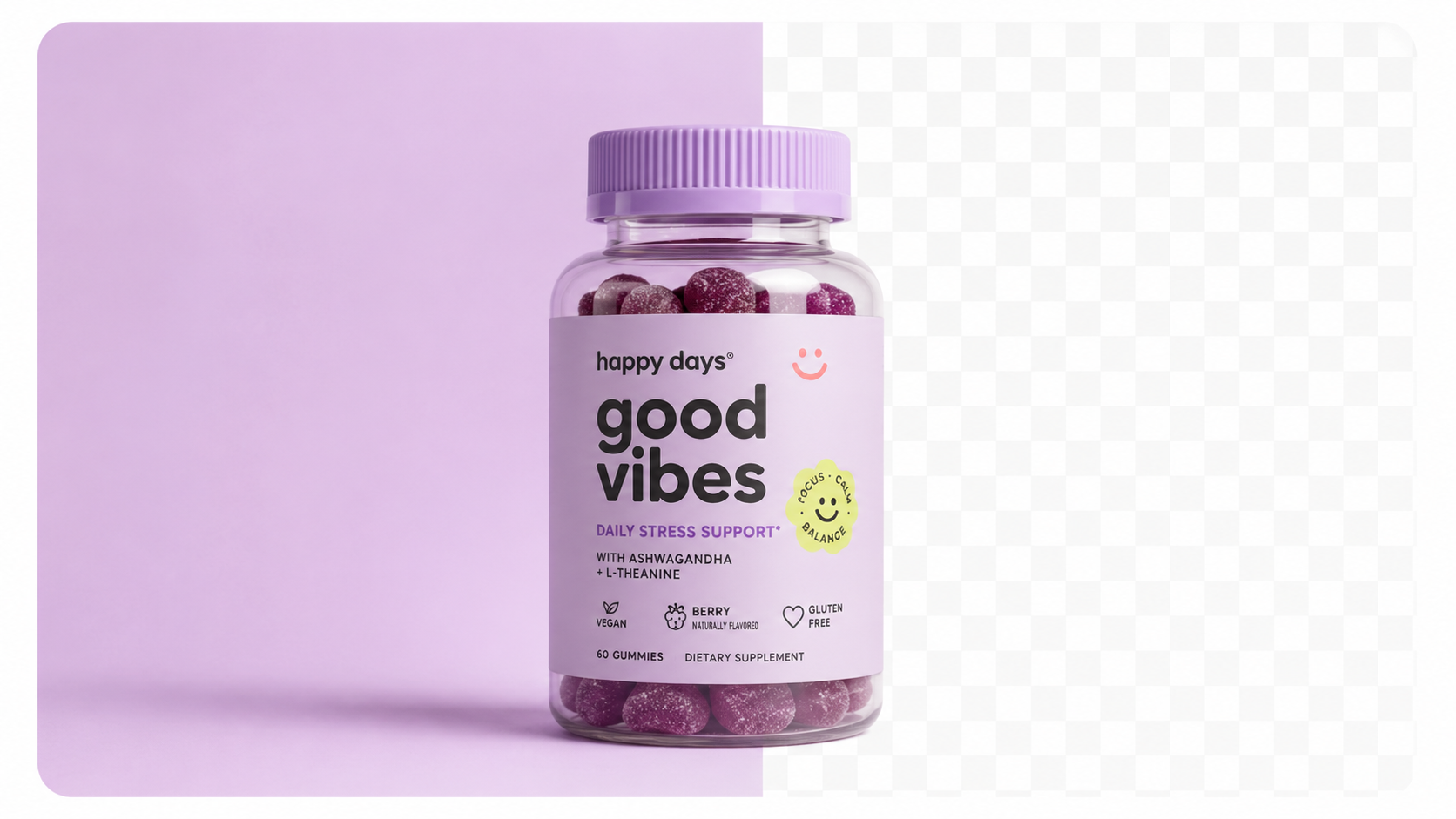
Go to the Photography tool, upload your image. The tool will automatically detect and isolate your product.
Step 3: Choose or write your scene
Pick from preset backgrounds (studio white, marble, lifestyle kitchen, outdoor) or write a custom prompt: *"Minimal concrete surface, soft directional light from left, dark moody background"*.
Step 4: Generate
Click generate. Your studio-quality image is ready in under 60 seconds.
Step 5: Download and use
Download at full resolution. Use directly in your Shopify listing, Amazon product page, or social media post.
Behind the scenes, the AI runs several processes on your iPhone image:
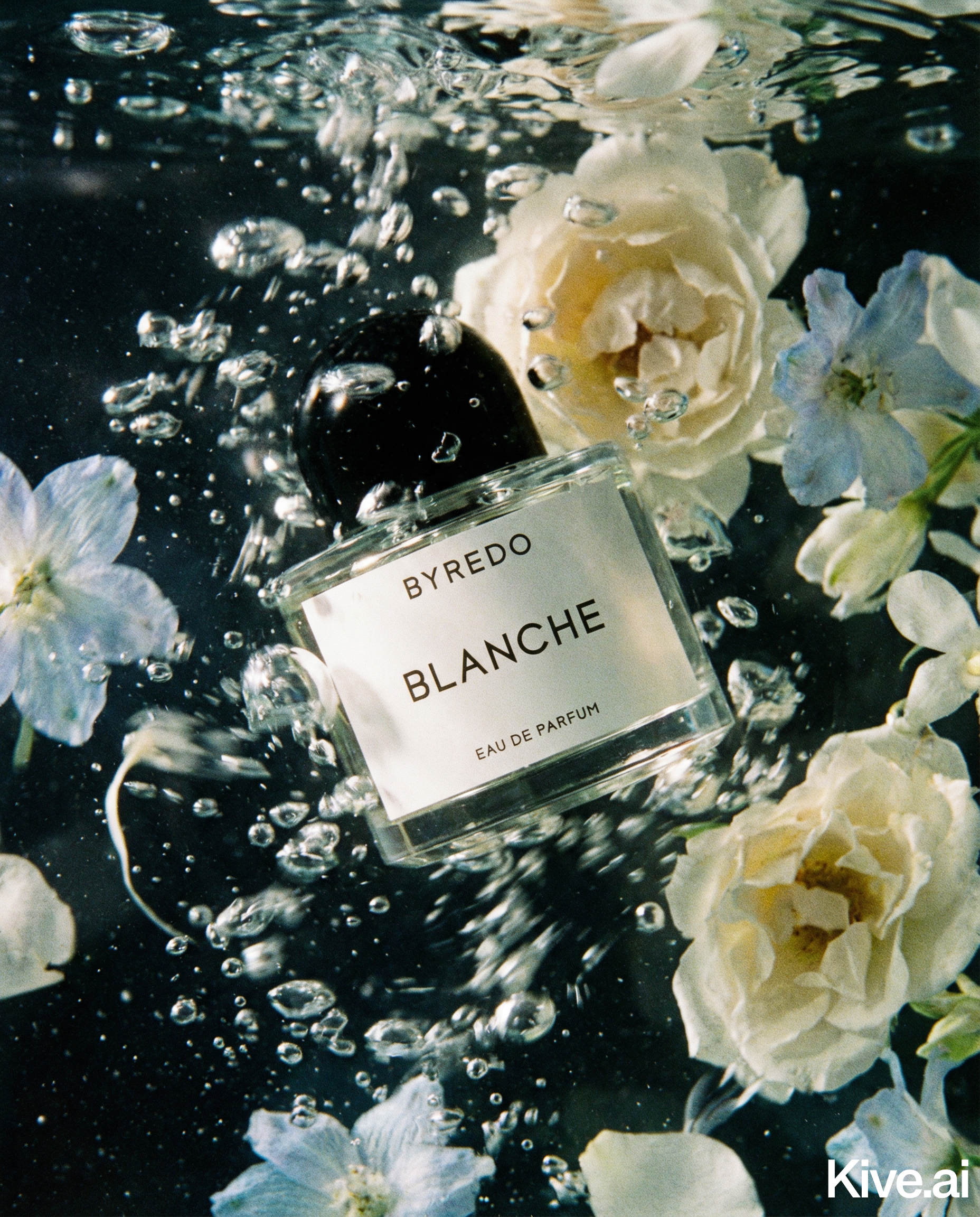
The result is a product image that looks like it was photographed in a professional studio — even though it started as an iPhone photo taken in your kitchen.
From a single iPhone photo, you can generate:
Run all of these from the same source image. No reshooting. No studio booking.
AI Workflow AI Workflow AI Workflow AI Workflow AI Workflow Product Photography Guides Ecommerce Strategy Cost & ROI Bulk & Automation Product Description Generator Hashtag Generator Ad Headline Generator Product Title Generator Product Bullet Point Generator Collection Description Generator Facebook Ad Copy Generator TikTok Ad Script Generator Google Shopping Ad Generator Sign up for free and transform your product photography with Sellable.
Get started for free