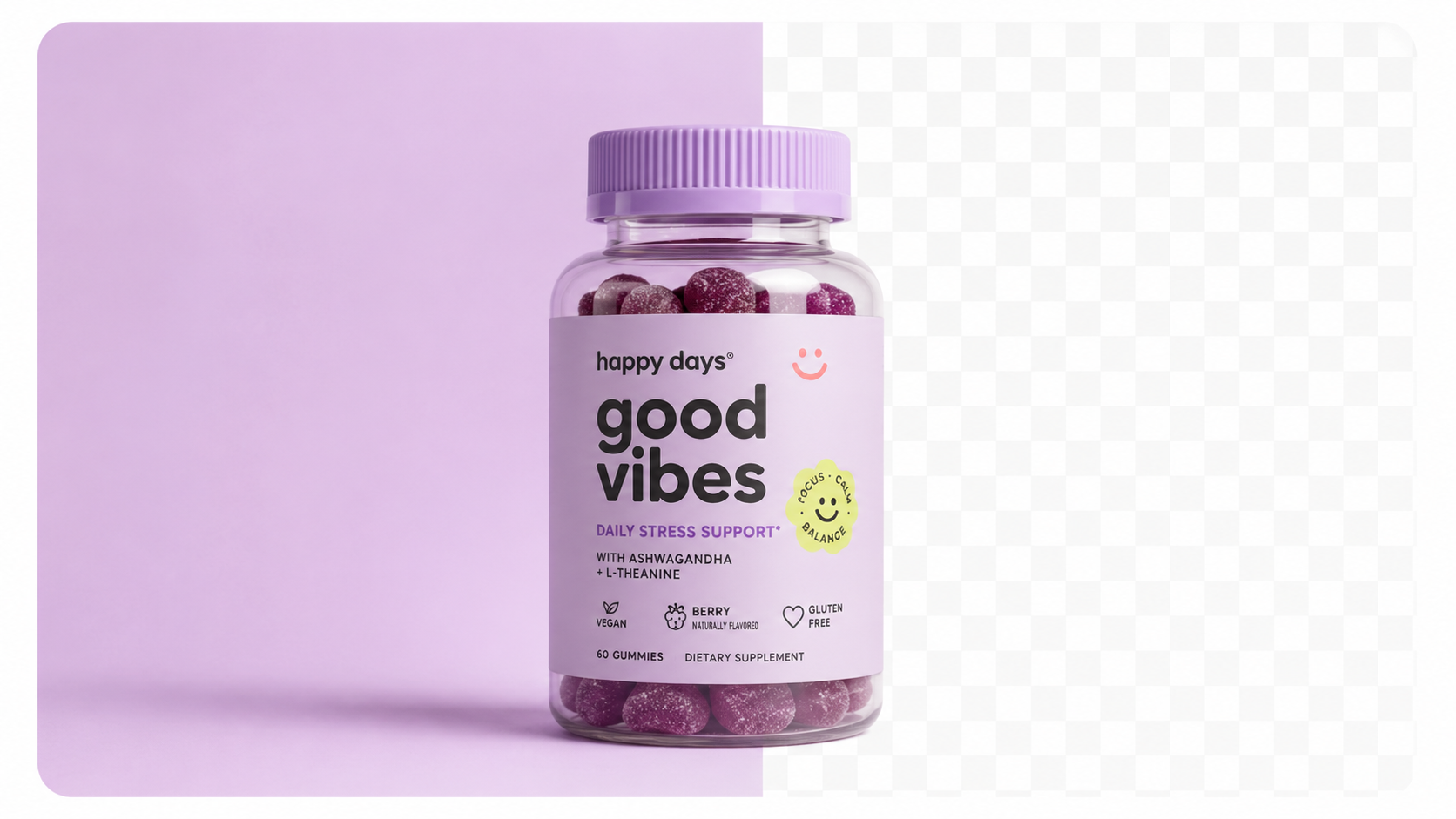
Photoroom is a mobile and web application built primarily around background removal and basic scene replacement. Its core workflow:
Photoroom is fast, easy to use, and produces acceptable results for simple use cases — particularly white background creation for marketplace compliance.
Photoroom's strengths:
- Fast background removal (seconds per image)
- Mobile app makes it accessible anywhere
- Good results for simple, clean backgrounds
- Batch processing available on paid plans
- Reasonable price point
Photoroom's limitations:
- Scene complexity is limited — backgrounds are simple templates, not AI-generated photorealistic environments
- No realistic lighting matching — products dropped onto Photoroom backgrounds often look composited rather than photographed
- Limited shadow and reflection quality — the "floating product" problem is common
- Designed for quick edits, not production-quality imagery
- No style consistency tools for catalogue-level standardisation
Photoroom is a quick-edit tool that solves the background removal problem. It's not a full product photography solution.
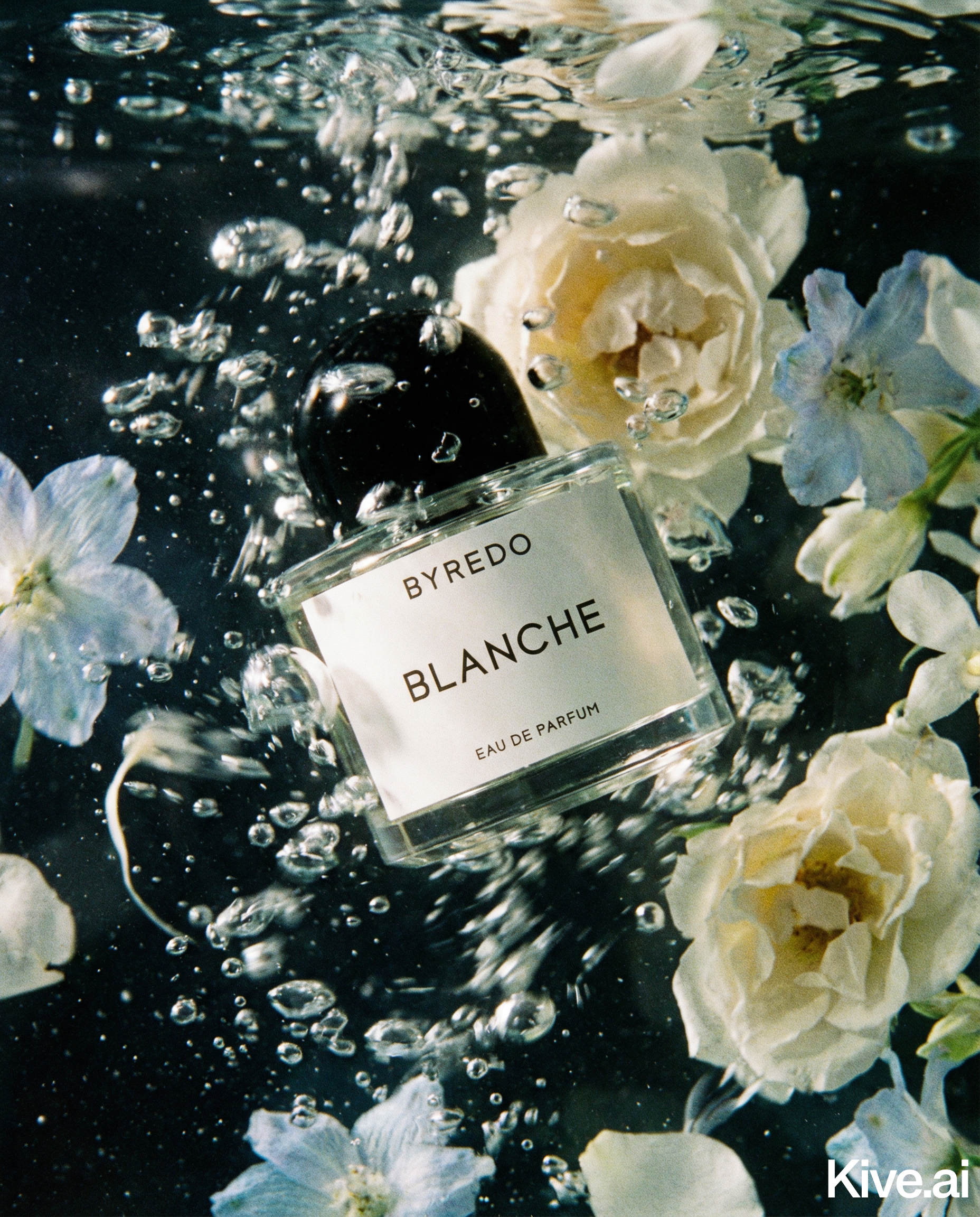
Professional AI photography tools like Sellable take a fundamentally different approach. Rather than removing a background and placing a product on a template, they generate a complete photorealistic scene from scratch:
The output is not a "product on a background" — it's a fully integrated image where the product exists within the scene with physically accurate light interaction.
Sellable's approach:
- Full diffusion model scene generation
- Realistic shadow and reflection rendering
- Material-accurate light interaction (glass renders differently from matte packaging)
- Style presets for catalogue consistency
- Bulk processing pipeline for high-volume workflows
| Feature | Photoroom | Sellable |
|---|---|---|
| Background removal | Excellent | Excellent |
| Simple white background | Excellent | Excellent |
| Lifestyle scene generation | Basic | Advanced |
| Lighting realism | Limited | High |
| Shadow accuracy | Basic | High |
| Reflection rendering | Minimal | Material-accurate |
| Style consistency tools | Limited | Full preset system |
| Bulk processing | Available | Full CSV pipeline |
| Output quality ceiling | Good | Professional |
| Pricing (monthly) | $9.99–$39.99 | $49–$149 |
Sellable turns a single product photo into studio-quality images, cinematic video, and on-brand campaigns — in under 60 seconds.
Get started free →The quality gap between Photoroom and Sellable is most visible in:
For Amazon white background compliance, Photoroom works perfectly well and costs less. For lifestyle imagery and premium catalogue presentation, Sellable produces significantly superior results.
Photoroom:
- Free: Basic features, Photoroom watermark
- Pro: $9.99/month (individual) — no watermark, batch processing
- Business: $39.99/month — priority processing, custom branding
Sellable:
- Starter: $49/month — core generation features
- Pro: $149/month — unlimited generation, bulk pipeline, style presets, API access
The price difference reflects fundamentally different capabilities. Photoroom at $9.99/month is reasonable for simple background removal workflows. Sellable at $149/month is a production-quality AI photography studio.
Use Photoroom when:
- You need quick background removal for marketplace compliance
- Your image needs are simple (clean backgrounds, no lifestyle context)
- Budget is very tight and quality requirements are minimal
- You're processing a small volume of images for a simple use case
Use Sellable when:
- You need production-quality lifestyle imagery for DTC conversion
- You're building a consistent brand catalogue
- You need bulk processing for 50+ products
- Image quality directly impacts revenue (premium pricing, conversion optimisation)
- You want style presets that enforce catalogue consistency
For most serious ecommerce brands, Sellable's quality level is necessary for competitive catalogue presentation. Photoroom's simple background replacement doesn't meet the bar for premium or high-conversion product imagery. For a broader look at which tools in this category are genuinely easy for a non-designer to pick up, see Simple AI Tools for Product Photos: No Design Skills Needed.
Cost & Comparisons Cost & Comparisons Cost & Comparisons Cost & Comparisons Cost & Comparisons Cost & Comparisons Cost & Comparisons Cost & Comparisons Cost & Comparisons Product Description Generator Hashtag Generator Ad Headline Generator Product Title Generator Product Bullet Point Generator Collection Description Generator Facebook Ad Copy Generator TikTok Ad Script Generator Google Shopping Ad Generator Sign up for free and transform your product photography with Sellable.
Get started for free