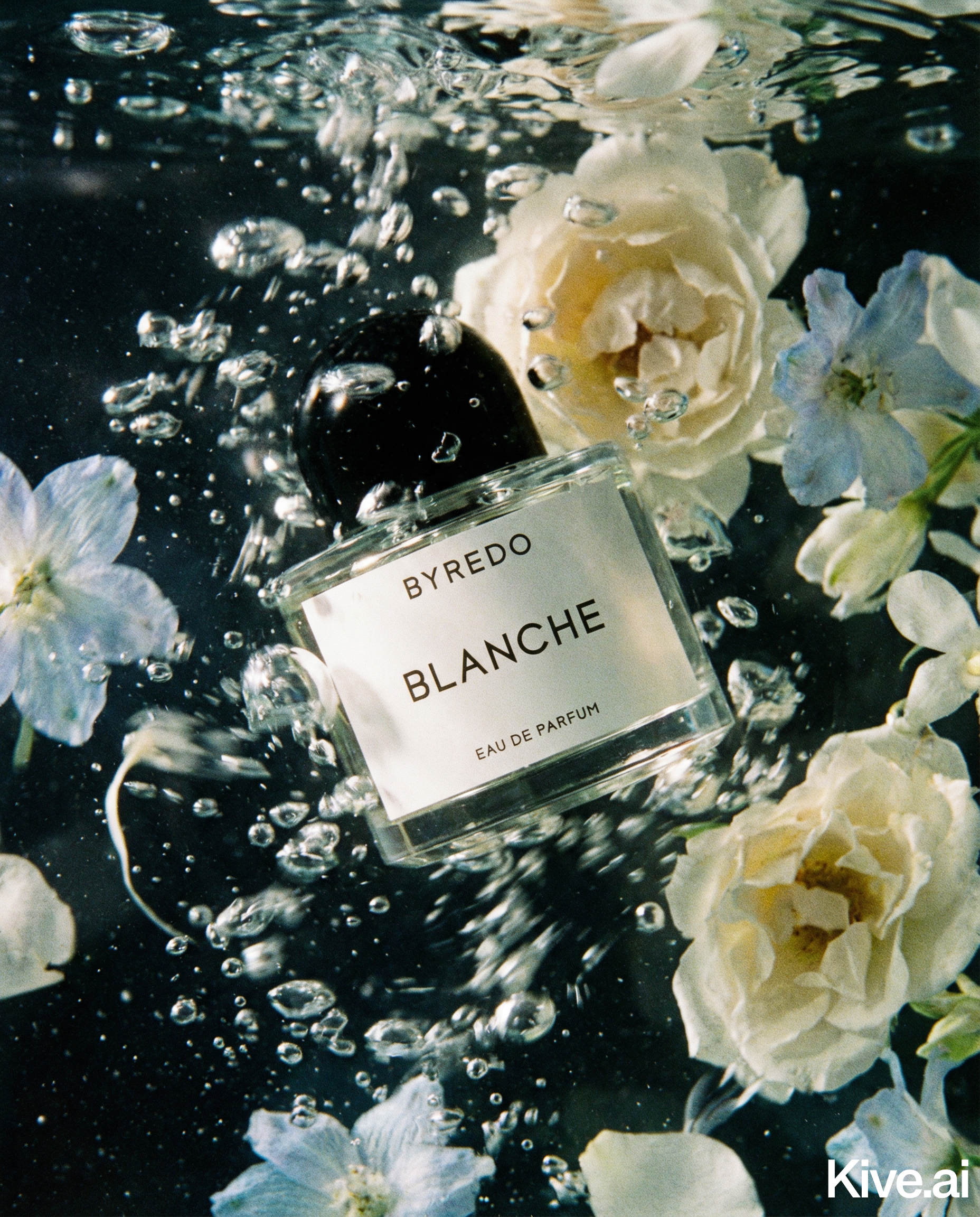
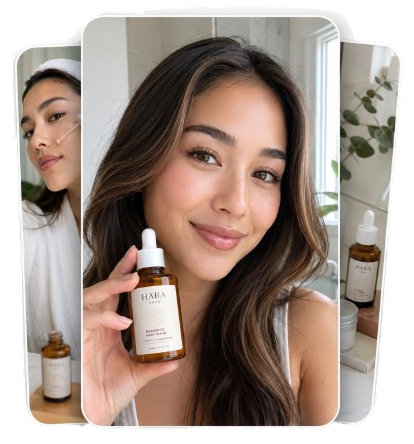
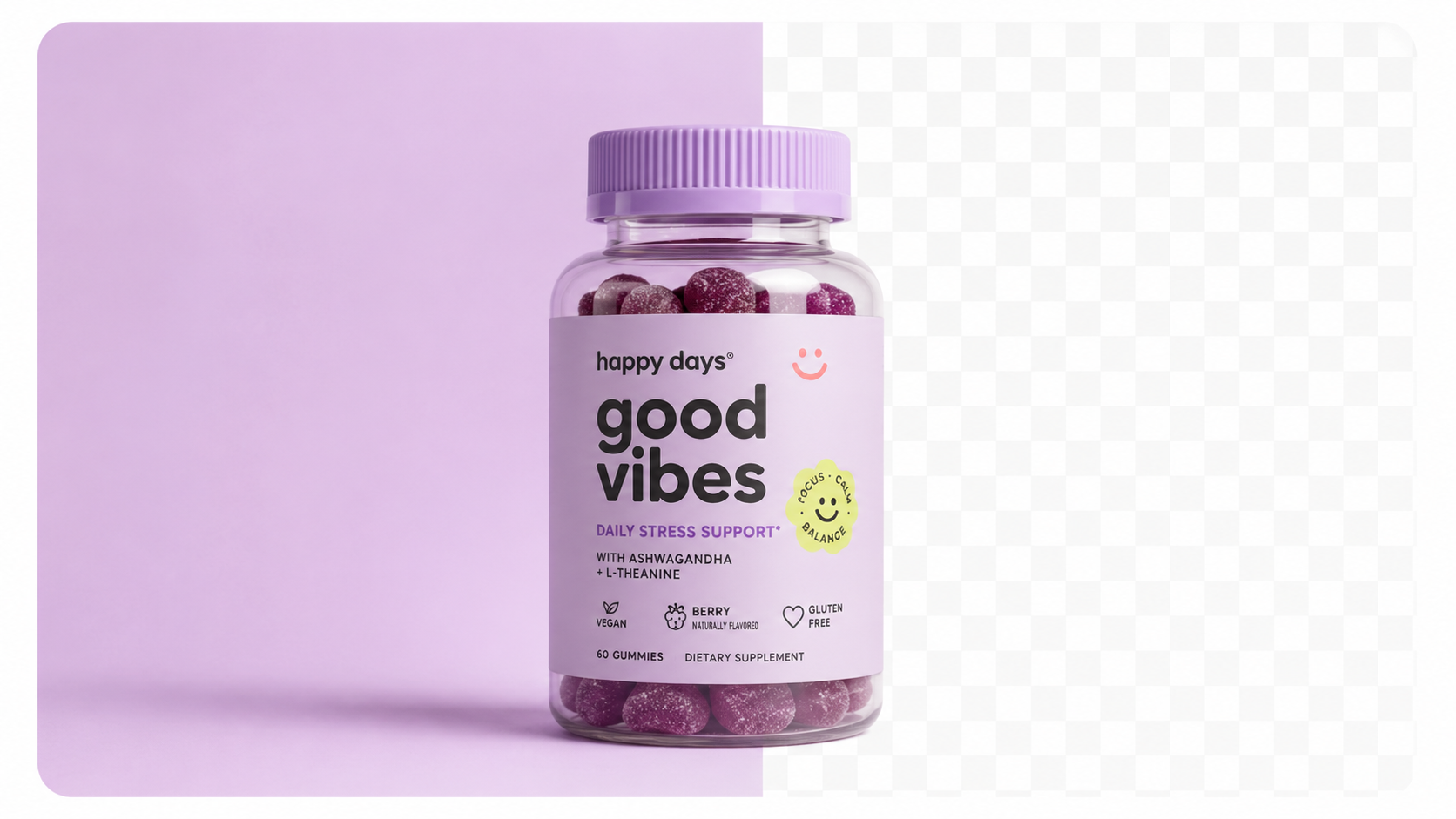
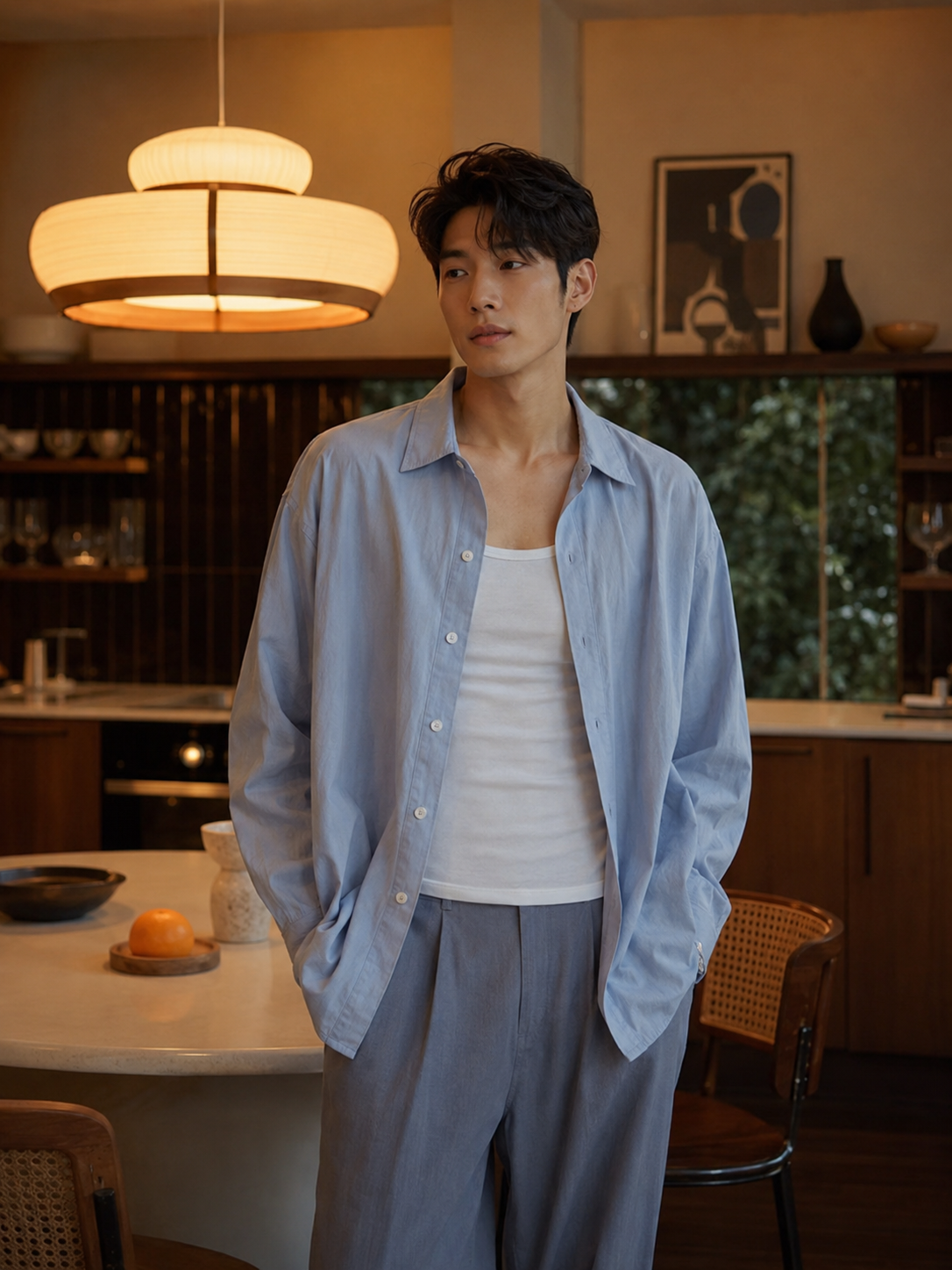
A store with 50 products, each with a perfectly executed but stylistically different set of images, looks worse than a store with 50 products all sharing a consistent visual style — even if the consistent style is slightly less technically polished.
Buyers unconsciously assess consistency as a proxy for brand credibility. When they browse a collection page and every thumbnail looks cohesive — same lighting, same background treatment, same compositional approach — they read the brand as professional, trustworthy, and established. When products look photographed in different places at different times, they read the brand as improvised and unreliable.
The data supports this: stores with consistent image styles across all products see 22% higher average order values than stores with mixed photography styles, according to Shopify Plus merchant data (2025).
Traditional photography makes perfect consistency expensive — you need the same photographer, the same studio, the same lighting rig, the same post-processing workflow for every product, every season, every relaunch. AI makes consistency nearly free.
Achieving visual consistency requires aligning these elements across your entire catalogue:
1. Background and surface
Every product should sit on the same type of surface — all white studio, all marble, all linen flatlay. Mixed backgrounds (some white, some wooden, some outdoor) create a disjointed catalogue.
2. Lighting style
The quality and direction of light should be consistent. Soft natural light for a wellness brand, dramatic side lighting for a luxury brand, bright clinical light for a tech brand.
3. Product scale and framing
Every product should fill approximately the same proportion of the frame. Mixing close-cropped and distant shots creates inconsistency in collection page thumbnails.
4. Colour temperature
Warm-toned images mixed with cool-toned images look wrong even when the viewer can't articulate why. Pick a colour temperature that matches your brand and apply it consistently.
5. Aspect ratio
Every product image in a collection should use the same aspect ratio. Mixed ratios create a broken grid on collection pages.
Step 1: Define your visual style
Before generating a single image, document your brand's visual language:
- What surface type represents your brand? (marble, concrete, linen, wood, white studio)
- What lighting mood communicates your brand? (soft natural, dramatic side, bright clinical)
- What background colour temperature? (warm, neutral, cool)
Step 2: Build your master prompt template
Create a reusable prompt template that encodes your visual style:
"[Product] on [your surface], [your lighting], [0–2 consistent background elements], [your mood], [style descriptor]"
Example for a wellness brand: "[Product] on white marble surface, soft morning light from left window, small green botanical in distant background, clean and serene, lifestyle wellness photography"
Step 3: Standardise your source photos
All source photos should be captured with consistent background (white preferred), consistent lighting (same window or same lamp), and consistent framing (product fills 70–80% of frame).
Sellable turns a single product photo into studio-quality images, cinematic video, and on-brand campaigns — in under 60 seconds.
Get started free →Step 4: Apply consistently in every session
Use the same prompt template for every new product. New SKU, same prompt, same settings. This is what AI makes possible that traditional photography can't: absolute repeatability.
Step 5: Audit and update quarterly
Every quarter, review 10–15 products across your catalogue. Are they still visually consistent? If a new product looks different, investigate whether the source photo was different or the prompt varied.
Sellable is the AI photography platform that makes visual consistency automatic. When you use the same prompt and settings in Sellable across your entire catalogue, every product gets the same lighting, surface, and compositional treatment — without any manual alignment effort.
For brands that have grown organically with inconsistent photography (common — you start with a few products and a phone, then grow), Sellable offers the fastest path to catalogue-wide consistency: batch generate new images for all products using one unified prompt in a single session.
*"I spent 18 months building my store with inconsistent photography — whatever I could afford at the time. In one weekend with Sellable, I re-imaged all 65 products to a consistent style. The store looks like a completely different brand."* — Alice F., Shopify store owner, home accessories
*"Consistency was the one thing we couldn't get from photographers — different shoots, different editors, different outputs. Sellable gives us perfect consistency automatically."* — Mark D., brand manager, DTC wellness
*"Our collection page used to look like a jumble sale. Same products, same prices — but inconsistent photography made it feel cheap. Sellable fixed it in one afternoon."* — Jen T., Shopify seller, beauty
Create Shopify-ready product photos in minutes →
Document your AI photography system in a simple one-page visual style guide. This ensures any team member, freelancer, or future hire can generate on-brand imagery independently.
Visual style guide template:
Brand: [Your brand name] Visual identity: [1–2 sentences describing the brand's visual personality] Surface: [Your standard surface — e.g., "White Carrara marble"] Lighting: [Your standard lighting — e.g., "Soft morning light from upper left"] Background elements: [Your standard supporting elements — e.g., "Single eucalyptus sprig, maximum"] Colour temperature: [Warm / Neutral / Cool] Mood descriptors: [e.g., "Clean, serene, luxury"] Master prompt: [Your full reusable prompt template] Resolution: [e.g., "Always 4K, 1:1 square"] QC standards: [What to check before publishing]
Store this in your team's shared documentation (Notion, Google Docs, Confluence). Update it when you intentionally refresh your visual style — not every time.
How do I handle products in different categories that need different photography contexts?
Create a master prompt template per category. A wellness brand might have one prompt for supplements and a different one for skincare — both consistent within their category. Collection pages within each category will look consistent.
What if my source photos are inconsistent quality (taken at different times)?
AI normalises significant variation in source quality. The bigger risk is inconsistent source backgrounds and lighting, which affects edge accuracy. If your source photos vary significantly, prioritise re-capturing the outliers before batch generating.
Can I change my visual style without re-shooting?
Yes — this is one of AI's biggest advantages over traditional photography. A brand refresh is a one-afternoon Sellable session, not a $20,000 studio campaign. Update your master prompt and regenerate the entire catalogue.
How does a consistent photography style affect SEO?
Not directly — Google doesn't assess image visual consistency. However, consistent photography improves time-on-site, reduces bounce rate, and improves conversion rate — all of which indirectly benefit SEO through user engagement signals.
Ecommerce Strategy Ecommerce Strategy Ecommerce Strategy Ecommerce Strategy Ecommerce Strategy Ecommerce Strategy Ecommerce Strategy Cost & Comparisons Bulk & Automation Product Description Generator Hashtag Generator Ad Headline Generator Product Title Generator Product Bullet Point Generator Collection Description Generator Facebook Ad Copy Generator TikTok Ad Script Generator Google Shopping Ad Generator Sign up for free and transform your product photography with Sellable.
Get started for free